Gantit
Integrated Task Planner
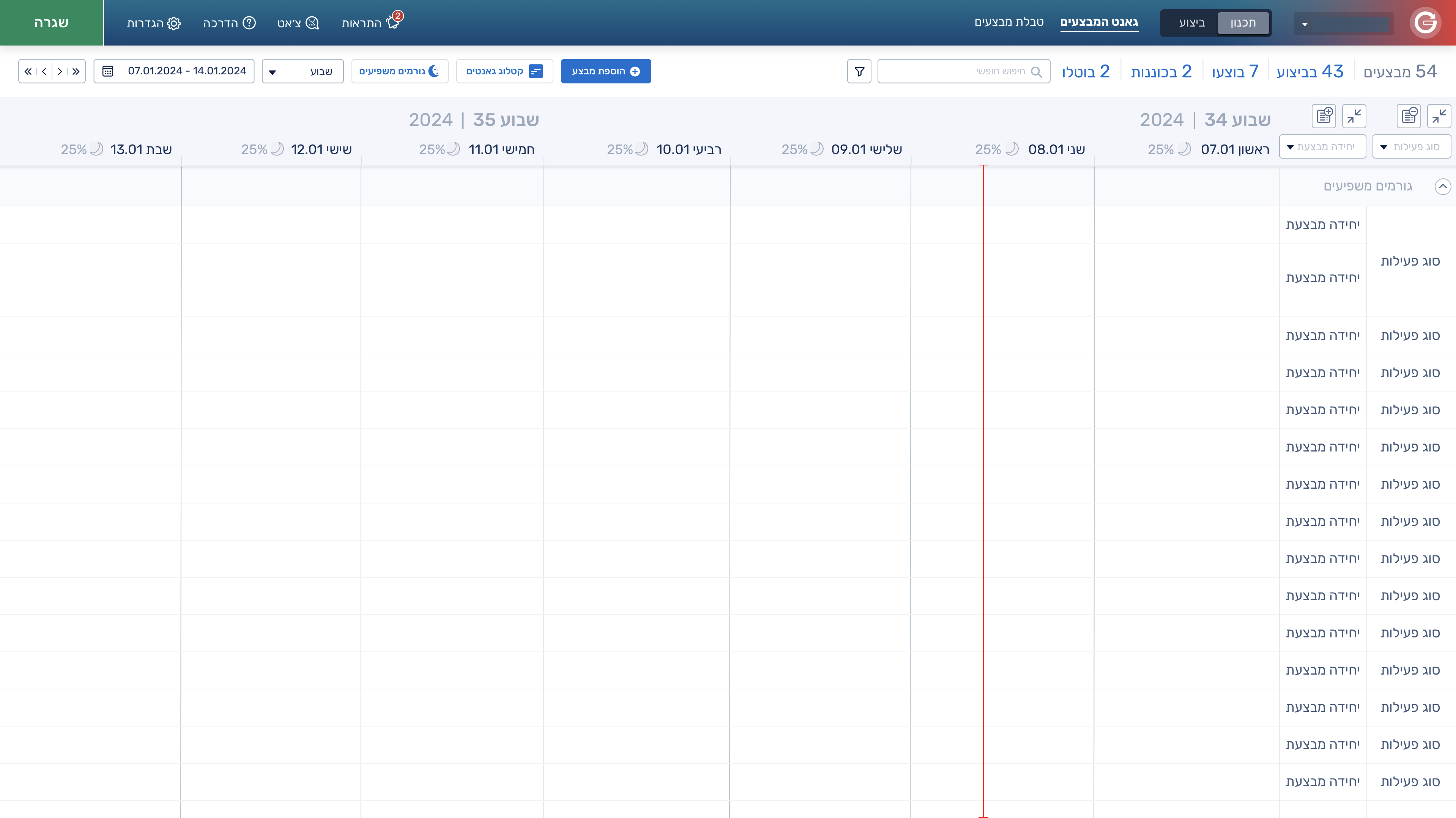
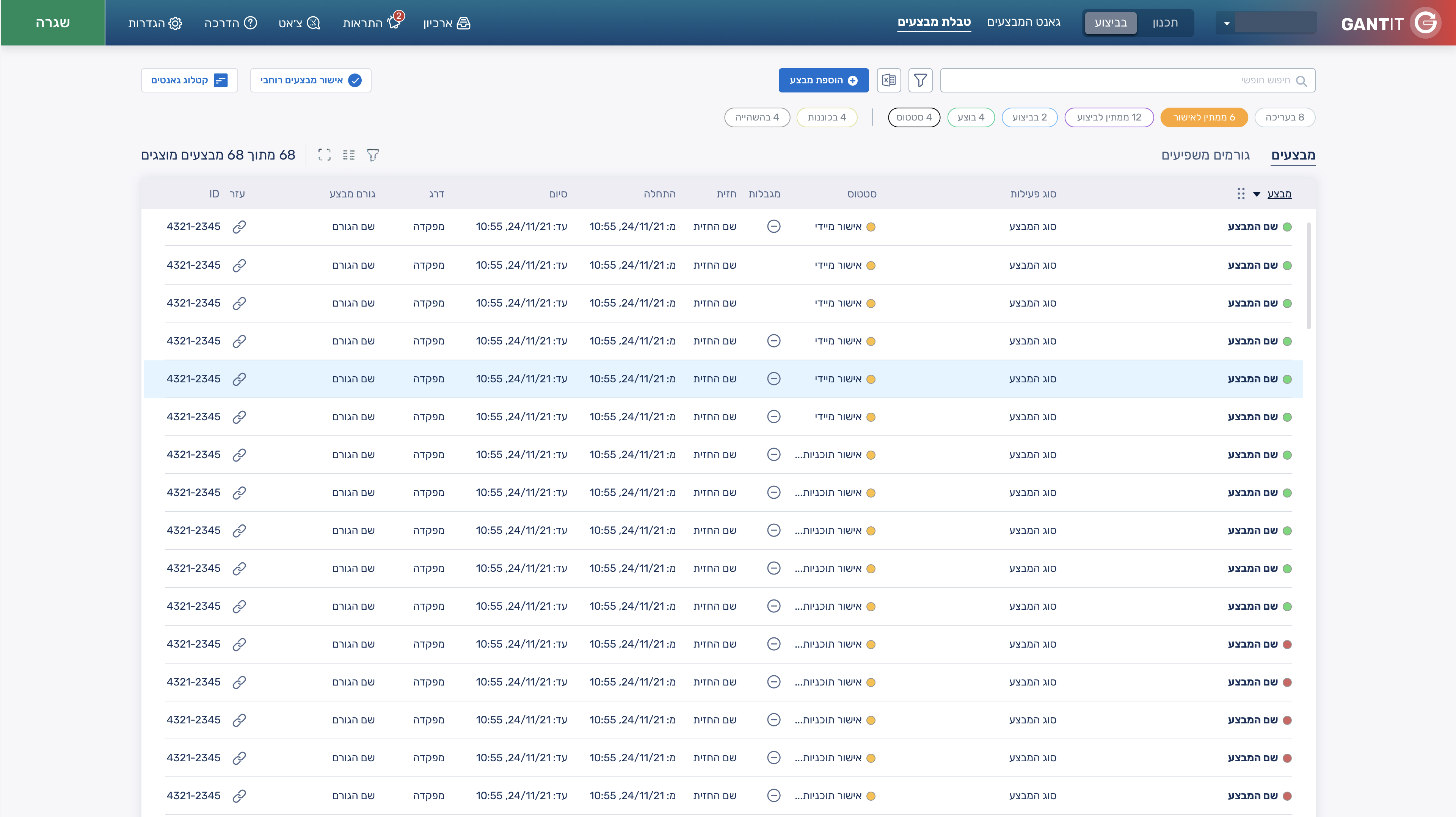
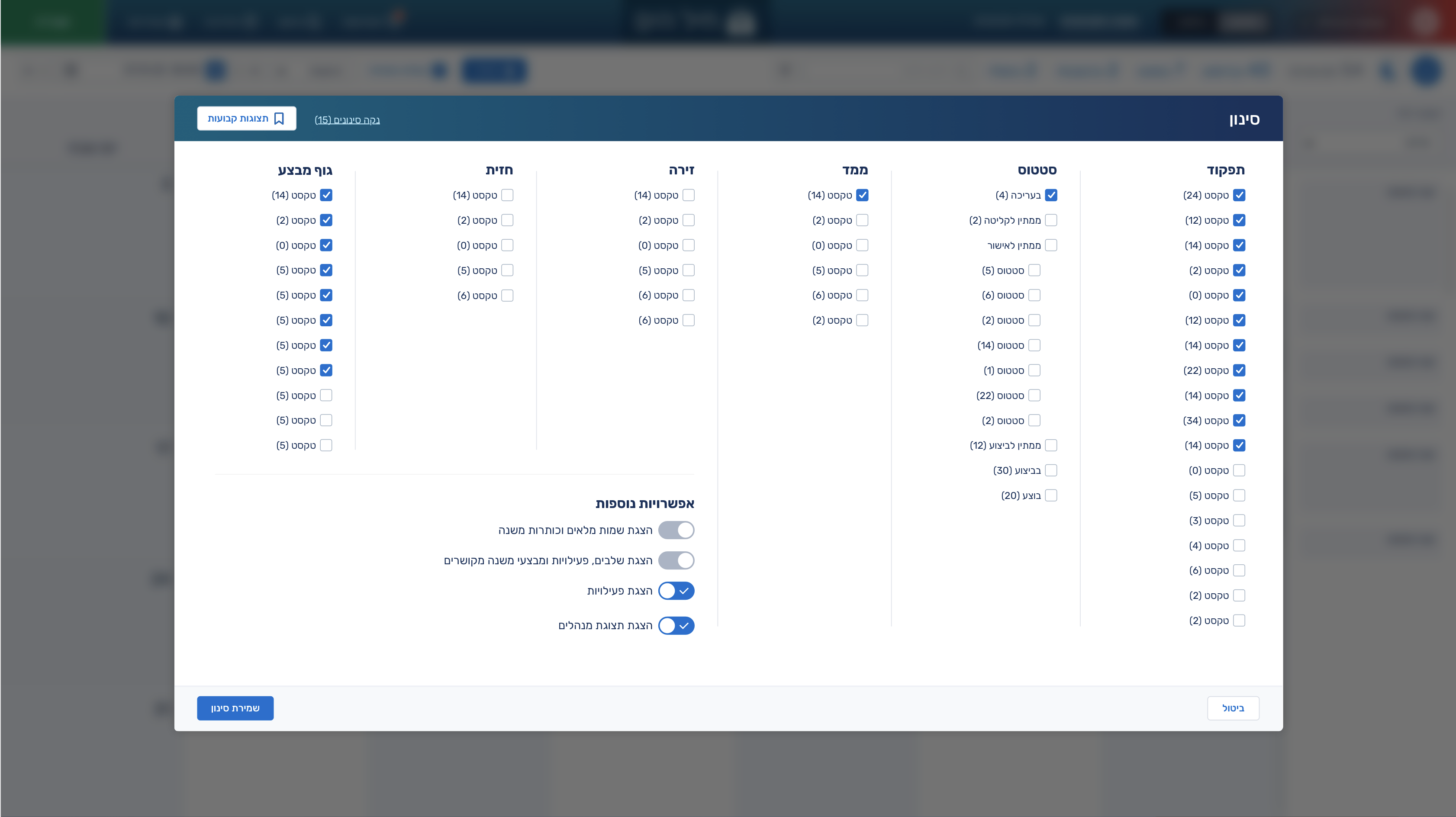
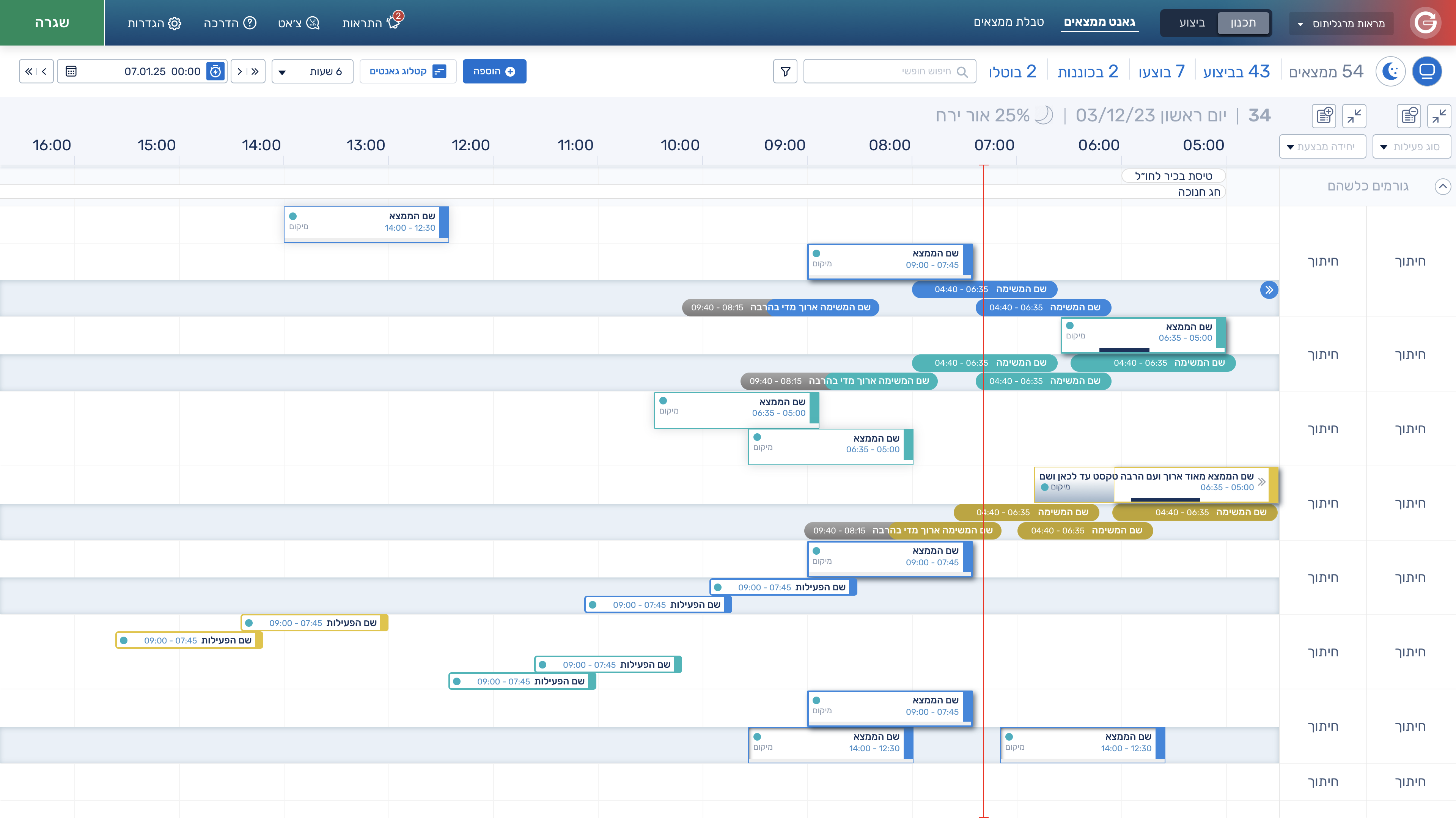
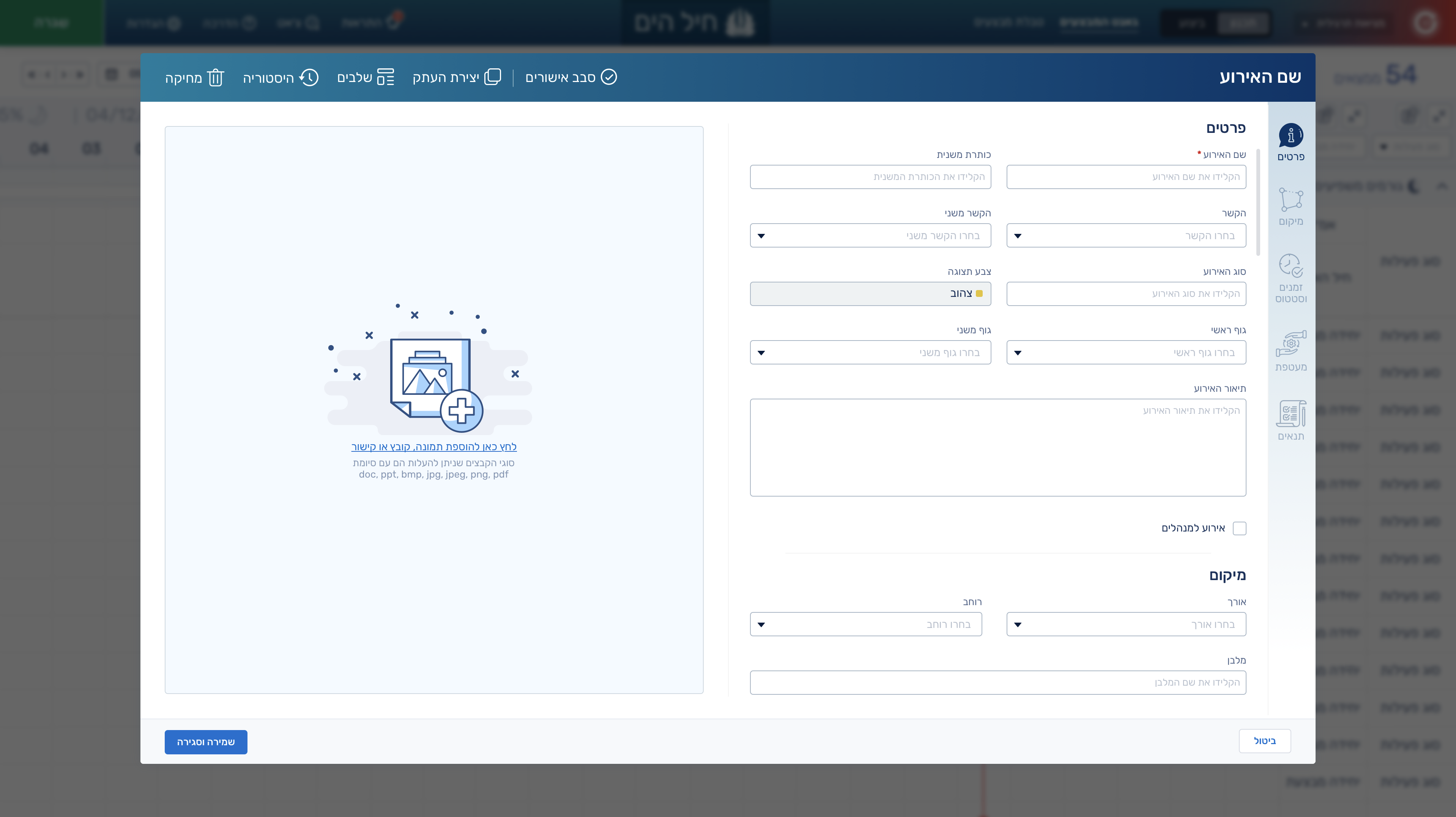
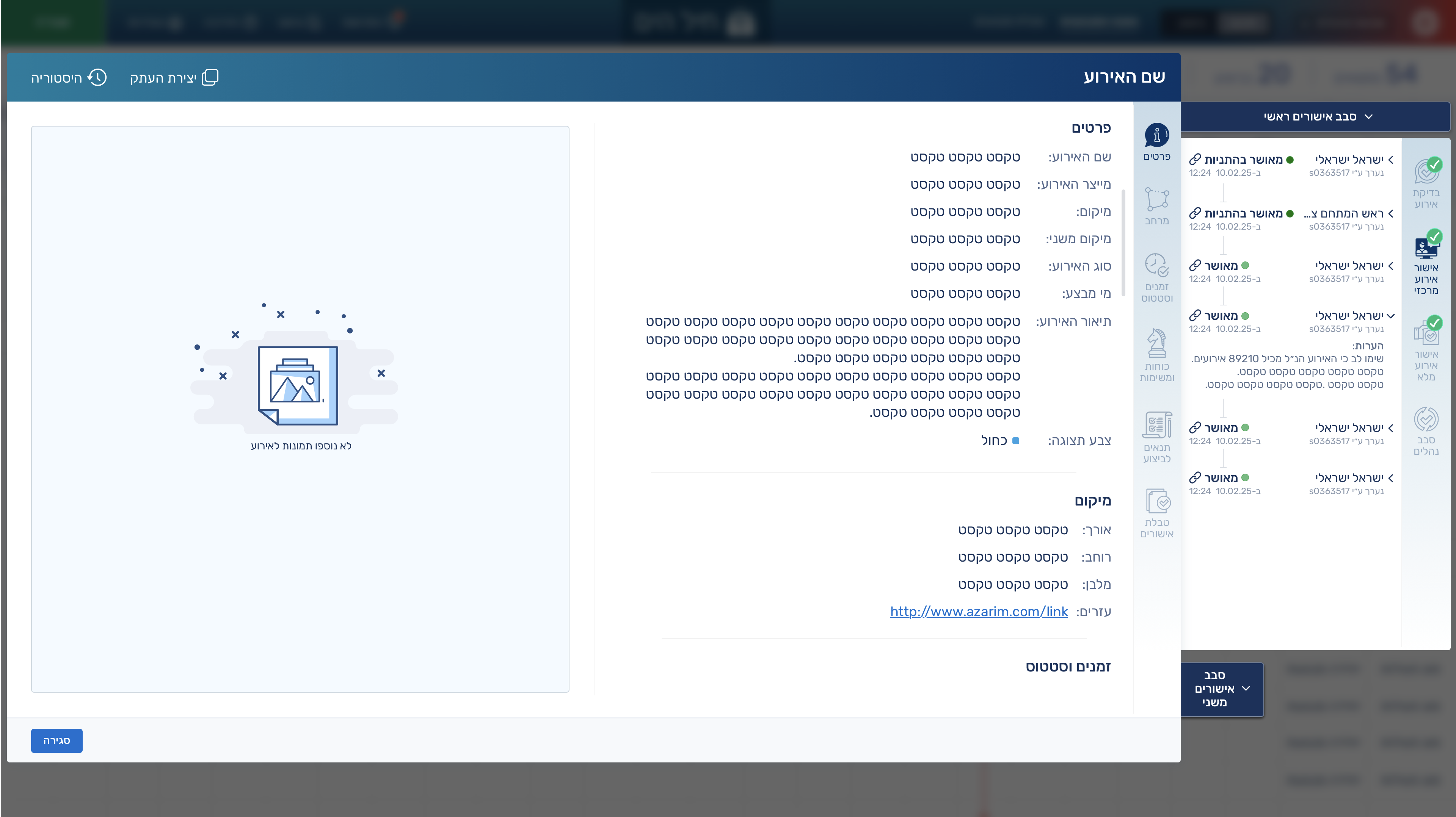
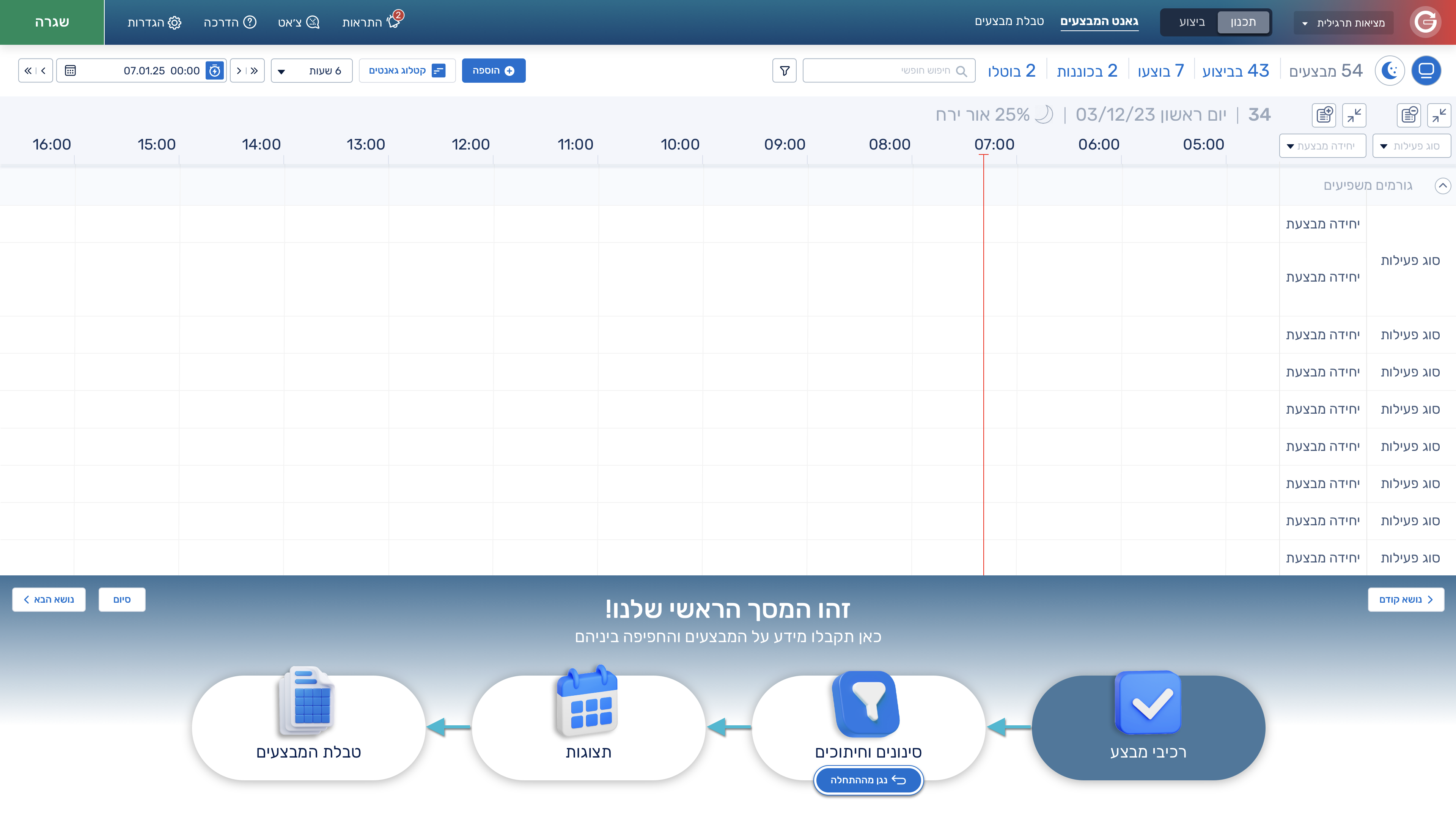
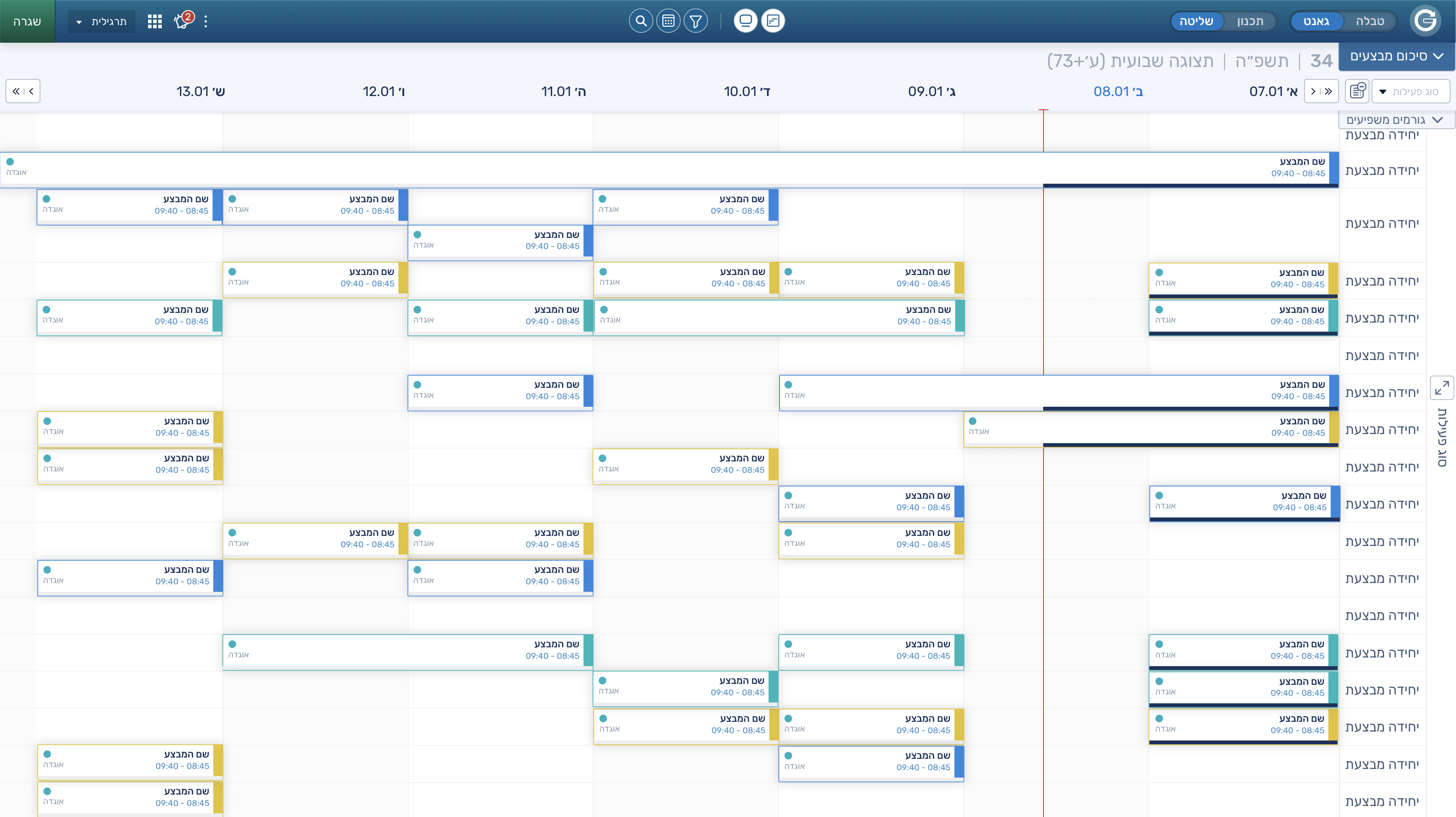
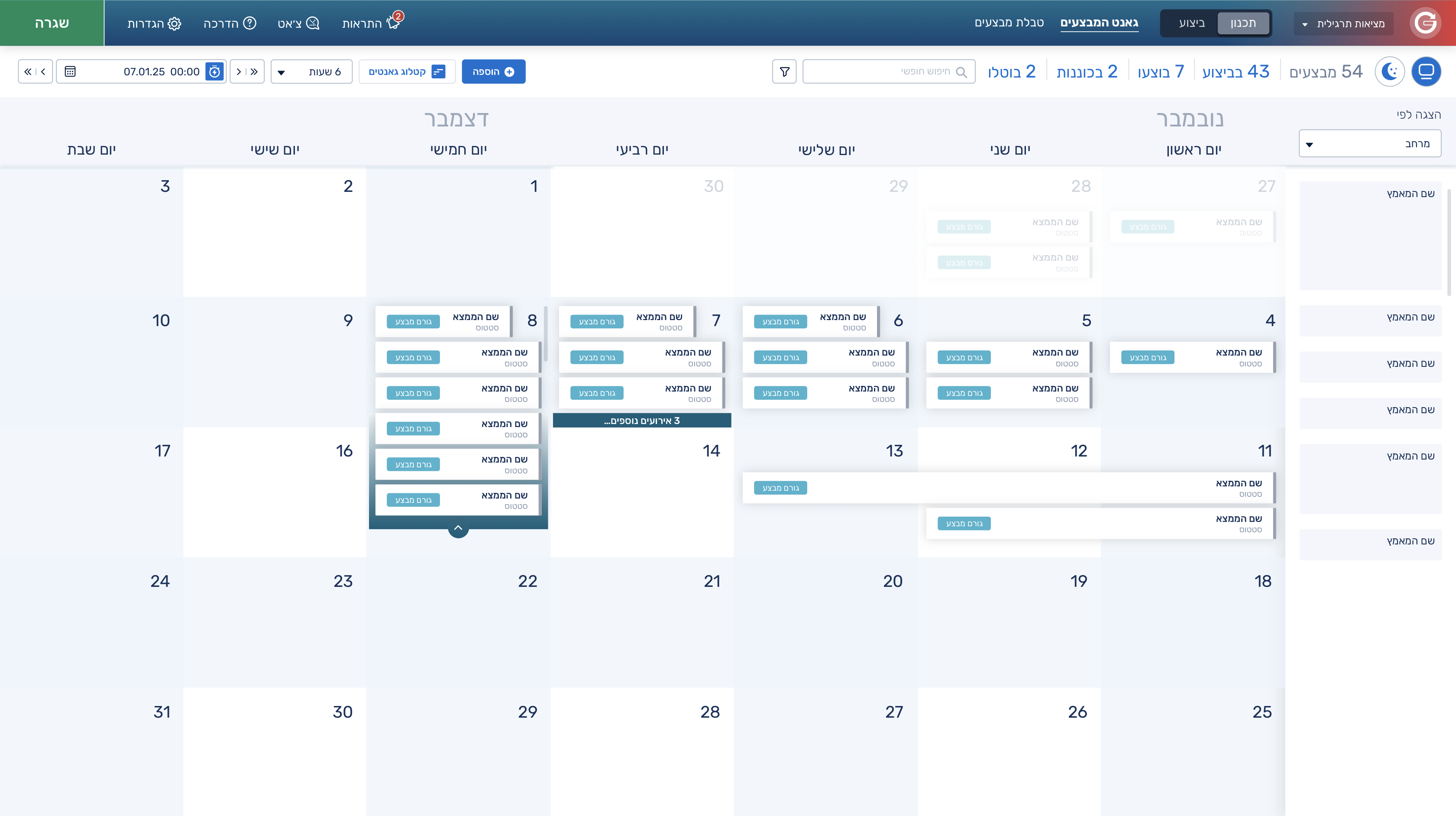
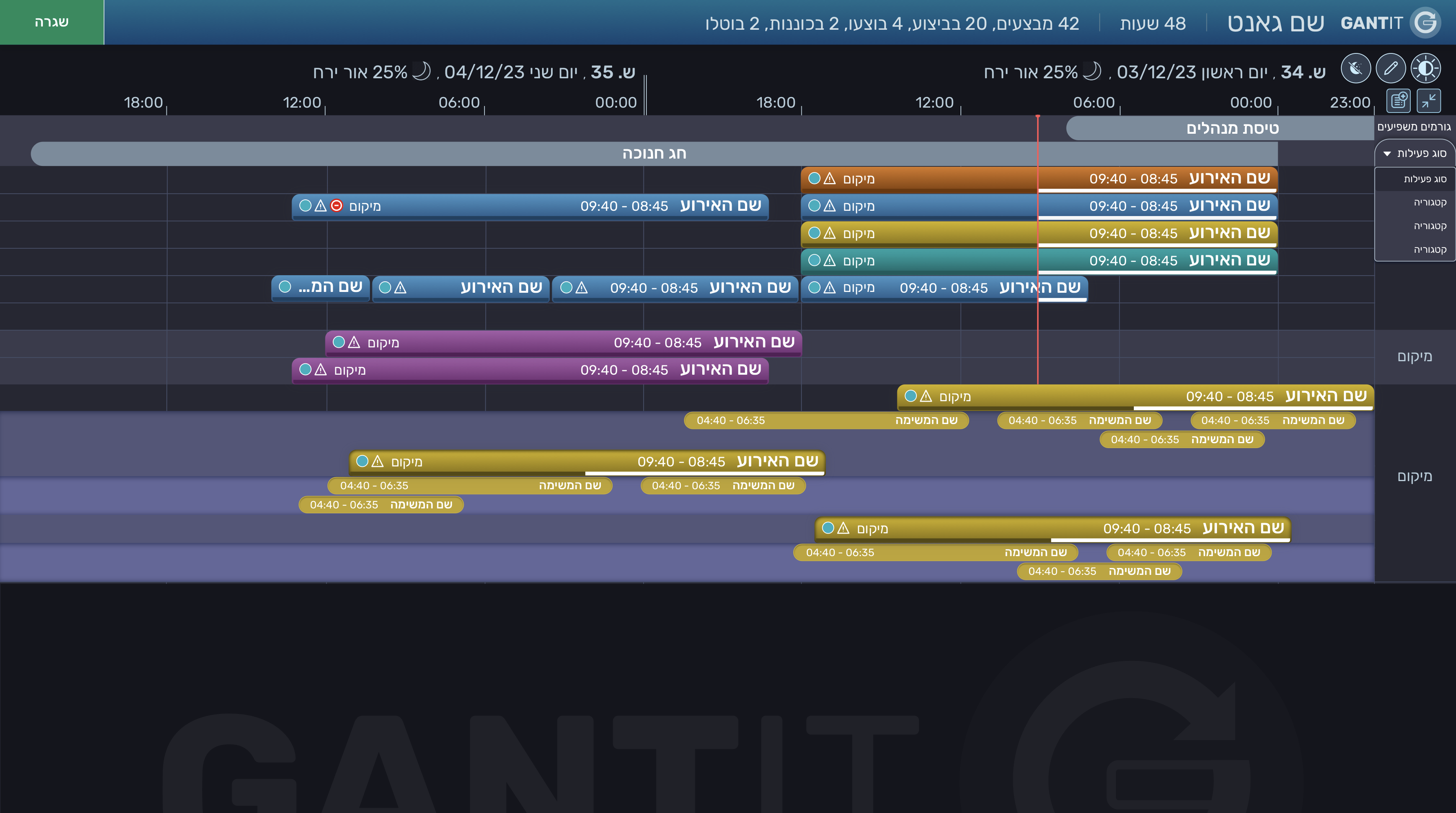
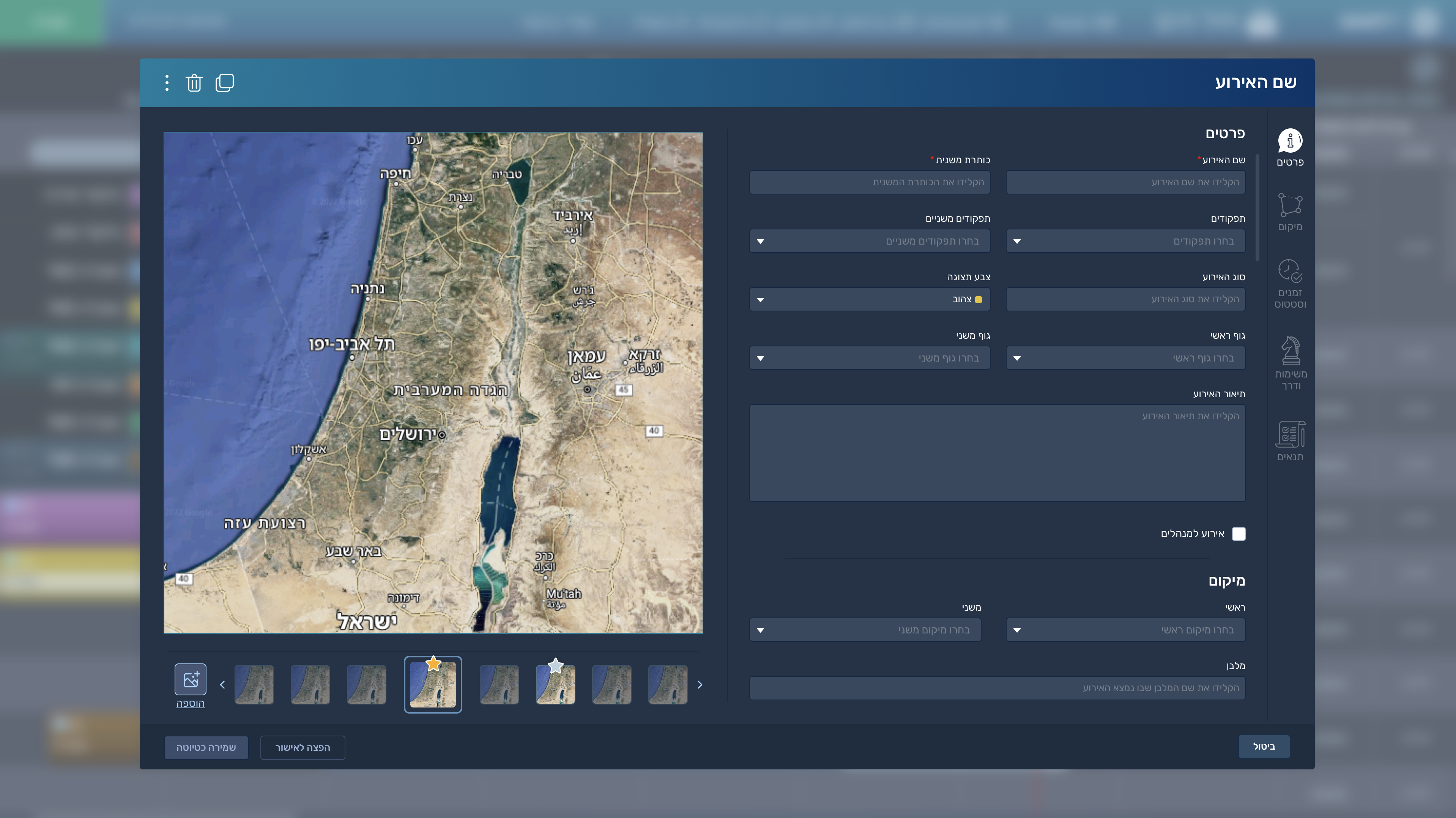
“Gantit” is a complex system for creating tasks that are structured into sub-stages. The tasks are organized based on the executing entity or the entity responsible for planning them. The goal is to allow each user to add and edit such tasks, and to apply advanced filtering in order to view all tasks according to those filters.
Client
Users aged 18–30 and 40–55 who are familiar with the organization but have not worked with such a system before, and are either new or returning users.
My role
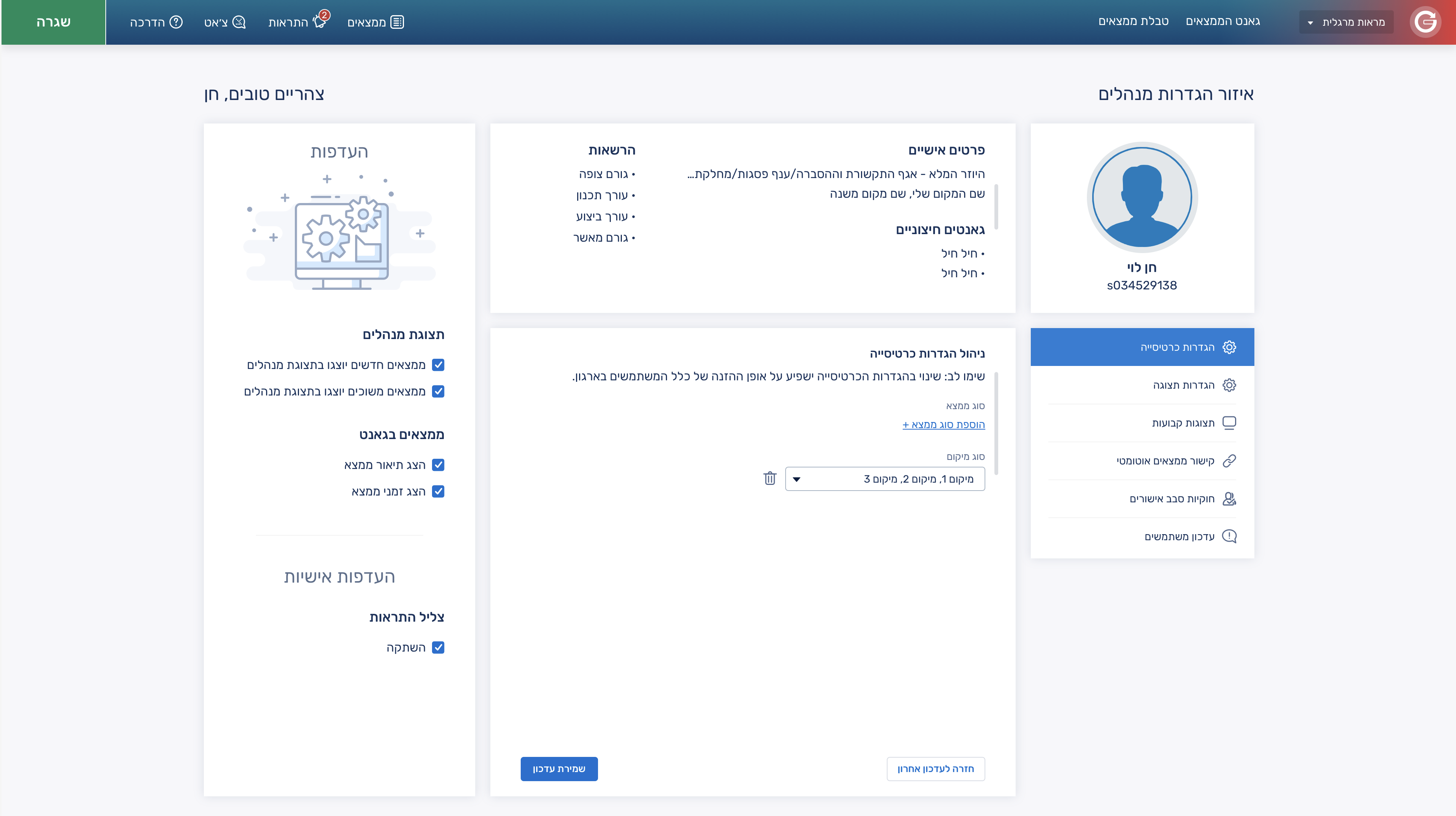
I defined the task structure, ownership model, and filtering experience in Gantit, ensuring users can create, break down, and navigate complex staged tasks with clarity and speed.
Brief
Gantit is a system for creating tasks structured into sub-stages, organized by responsible or planning entities, with advanced filtering to efficiently manage and view task execution.
KPIs
- Task creation time < 20s
- 60% weekly active users
- 55% tasks with sub-stages
- 75% filter usage rate
Challenge
Designing a system that supports deeply structured, multi-stage tasks with entity-based ownership while keeping filtering, navigation, and updates simple and fast at scale.
Solution
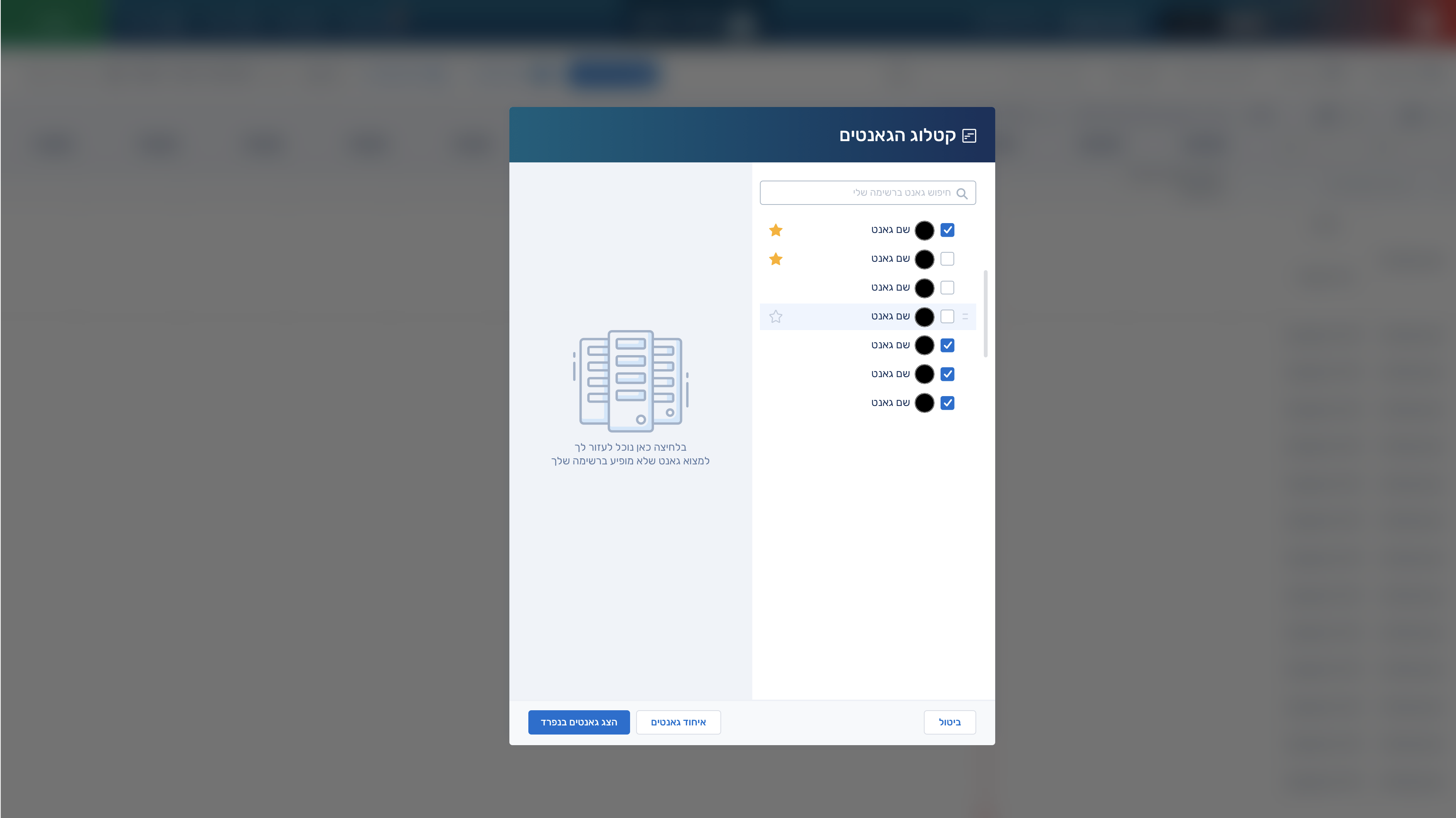
Clear hierarchical task model with sub-stages, strict ownership assignment, and a powerful but lightweight filtering system with progressive disclosure to avoid overload.
My Design Process
Research
Define
Ideate
Prototype
Final UI
Research
User interviews with planners and executors, workflow mapping of task breakdown processes, usability testing on filtering and hierarchy navigation, and analysis of competing task management systems.
Competitors
Jira – advanced issue and project tracking tool used mainly in software teams with strong workflow customization.
Monday – work operating system for managing projects with highly visual dashboards and automation.
Persona

Ethan Dahan
Age: 20
A 20-year-old operations coordinator in a fast-moving startup, responsible for organizing cross-team execution plans and tracking progress across multiple stakeholders. He works across planning and execution layers, often handling fragmented information from different people and tools. He needs a system that lets him quickly break down complex work into structured stages, assign responsibility clearly, and filter tasks by owner, status, or priority without losing overview. He is highly efficiency-driven, expects minimal setup time, and becomes frustrated when systems are rigid, cluttered, or require too many clicks to understand what is happening across teams.
UX Design
User flow
The user logs in, creates a task, assigns it to a responsible or planning entity, breaks it into sub-stages, and saves it; they then use filters or search to view tasks by owner, stage, or status, and continuously update progress as work moves through execution stages.
Final UI Design