Chief

Document Management System

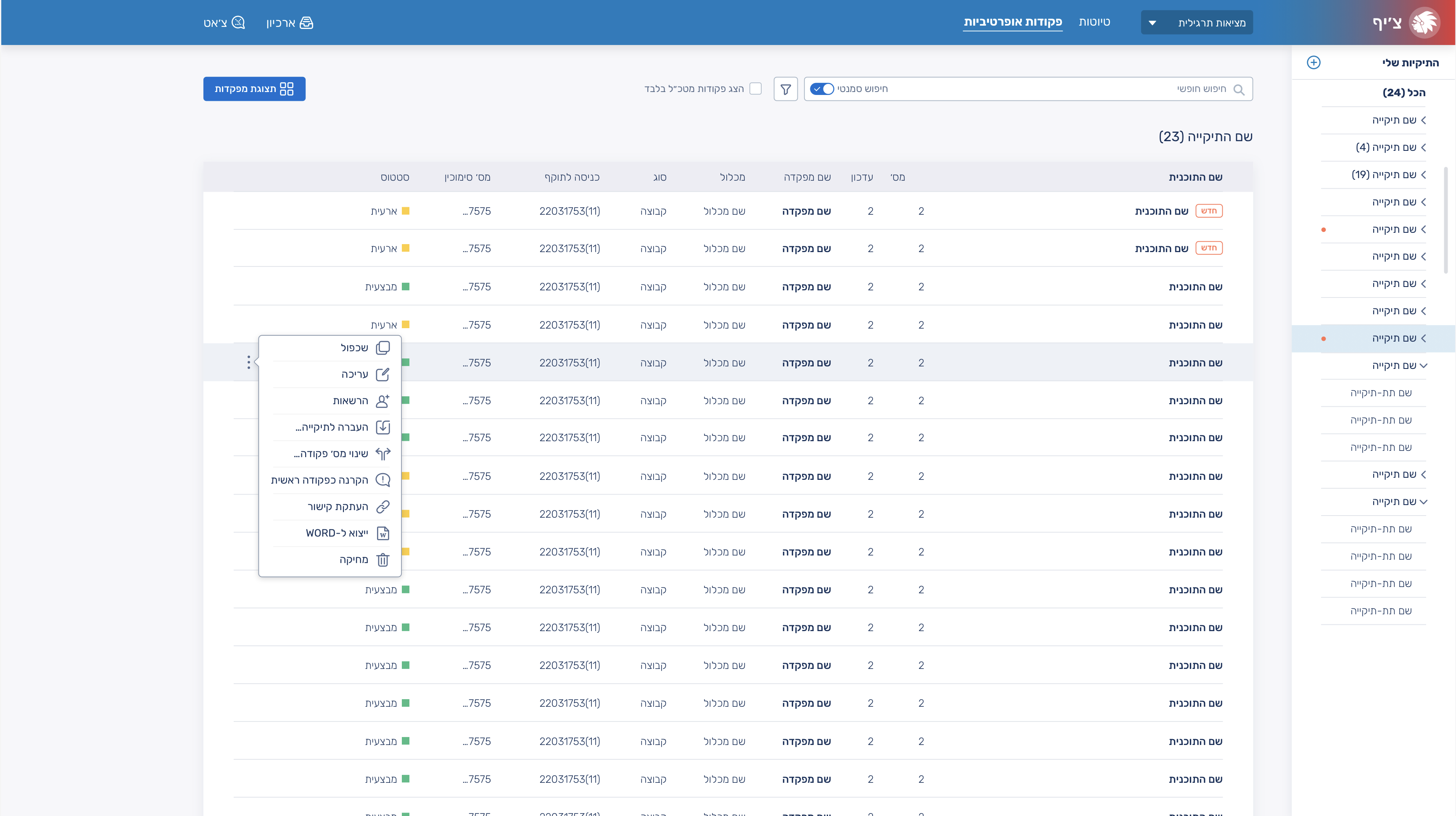
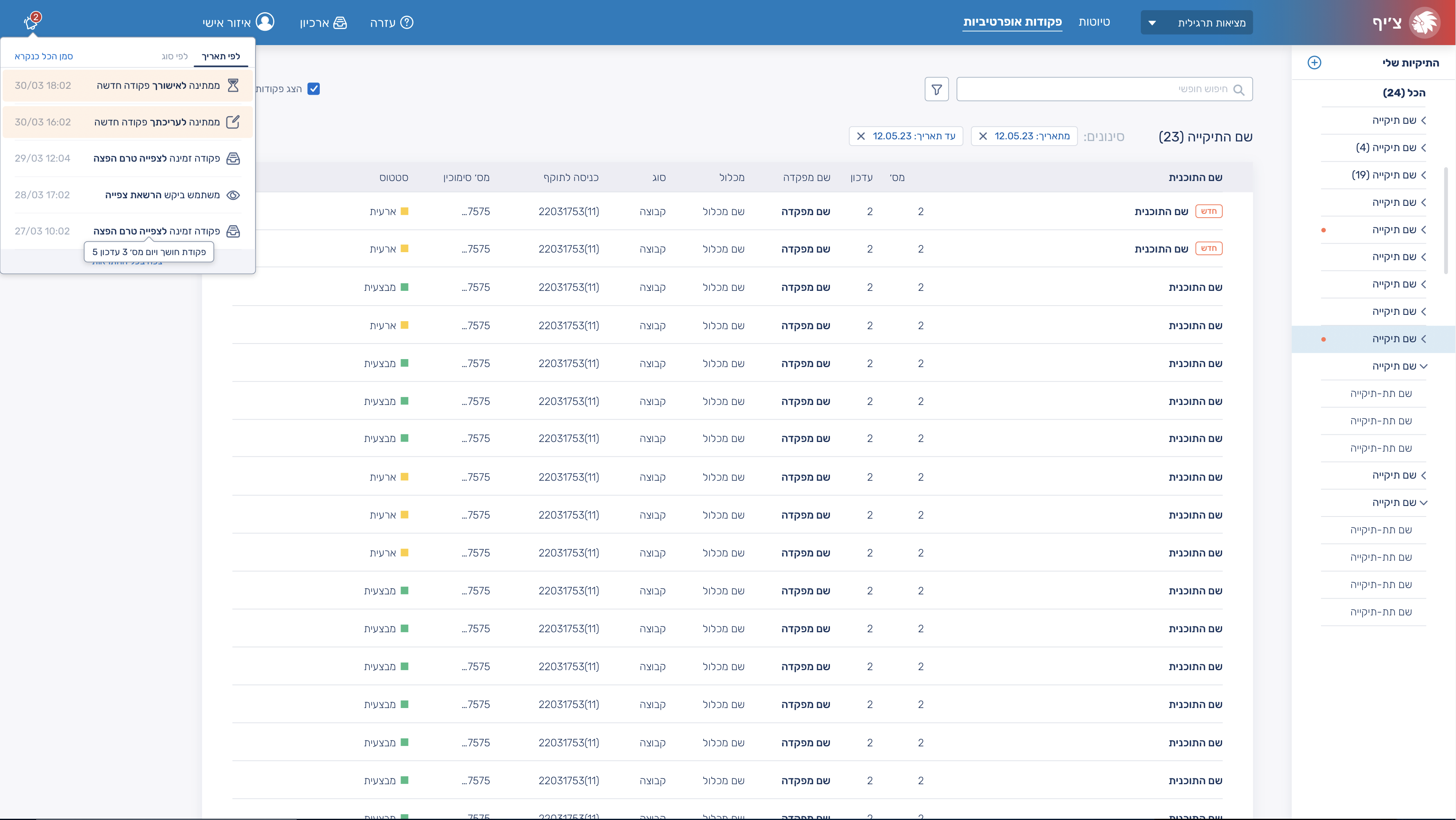
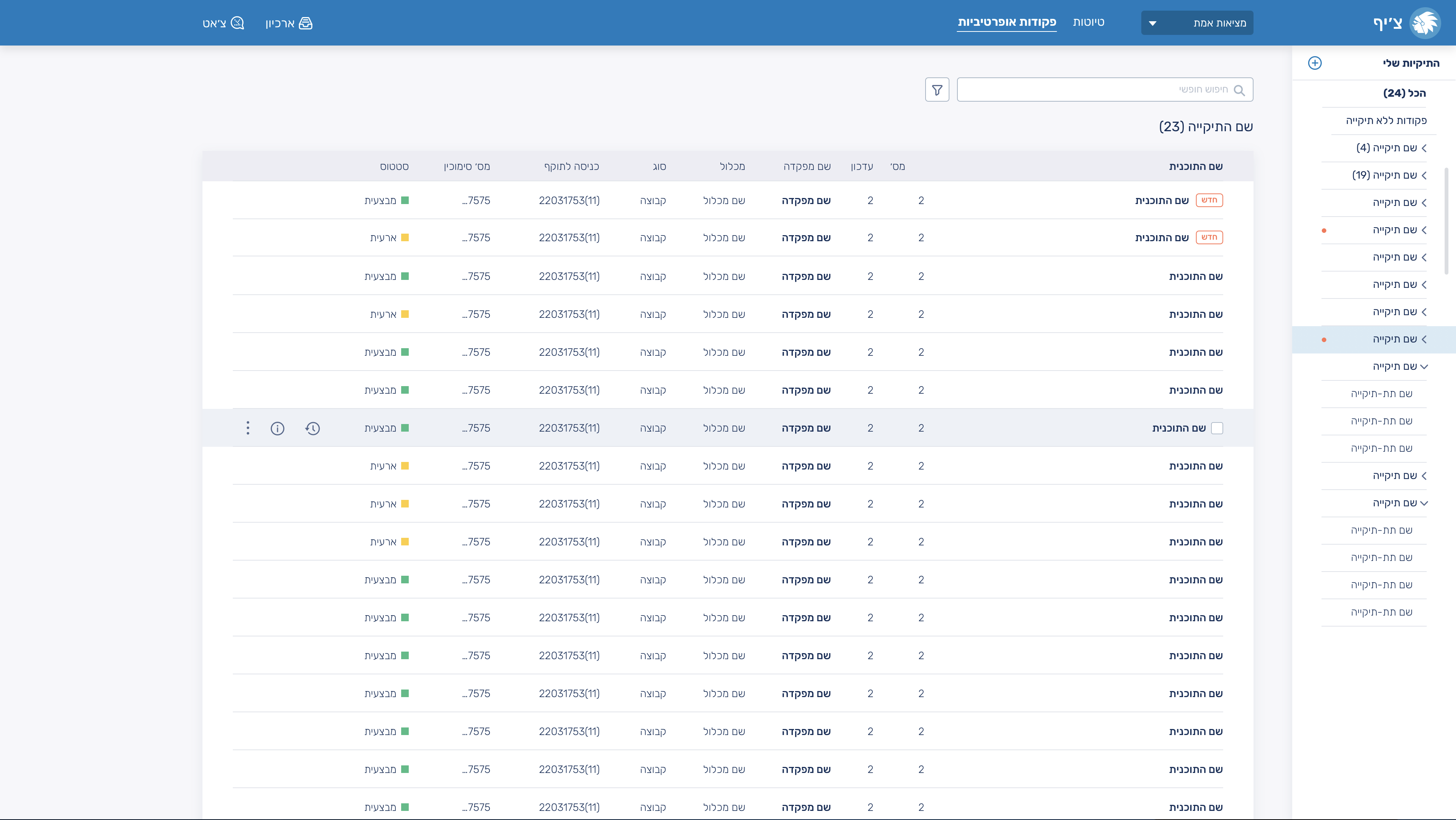
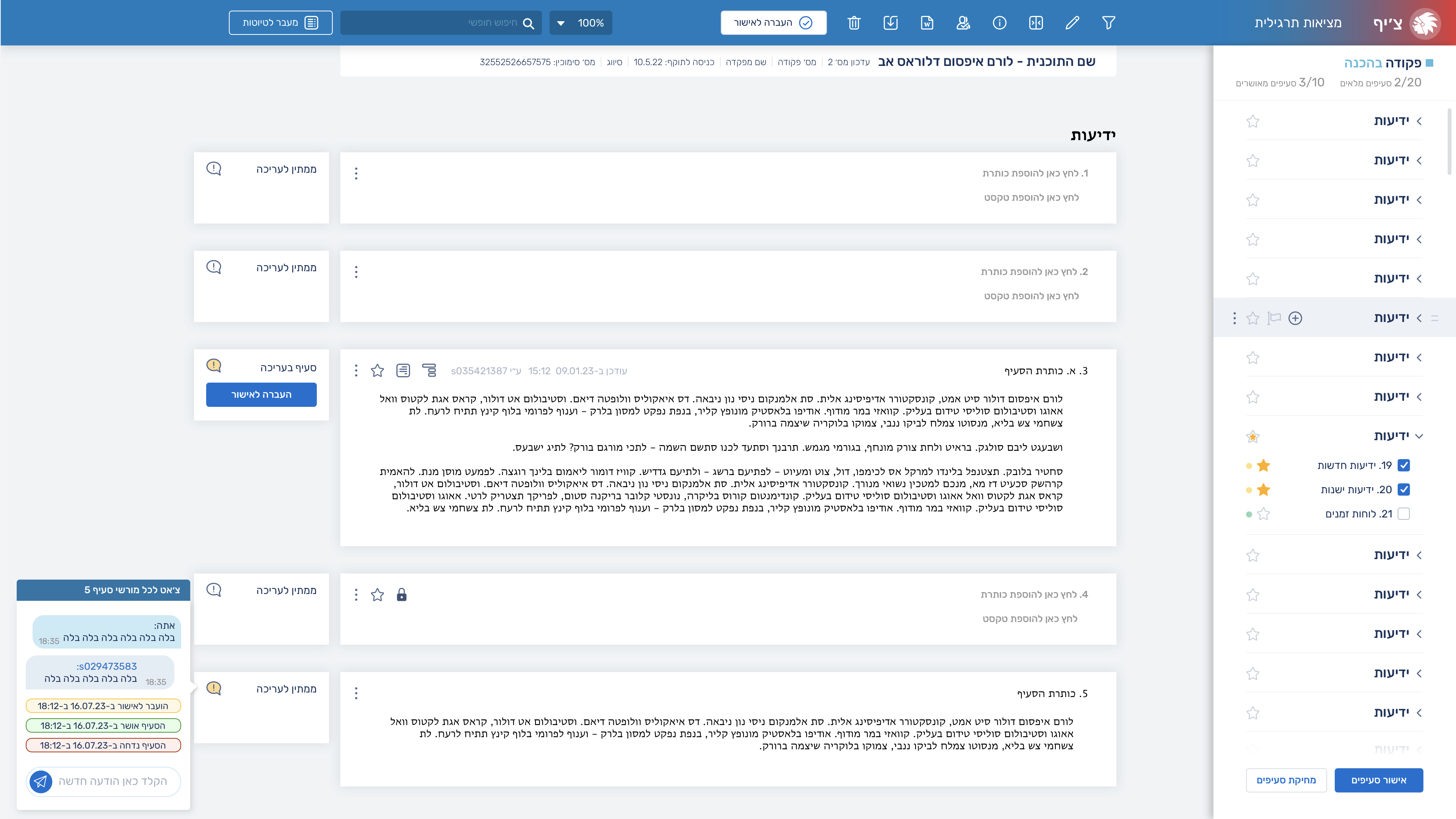
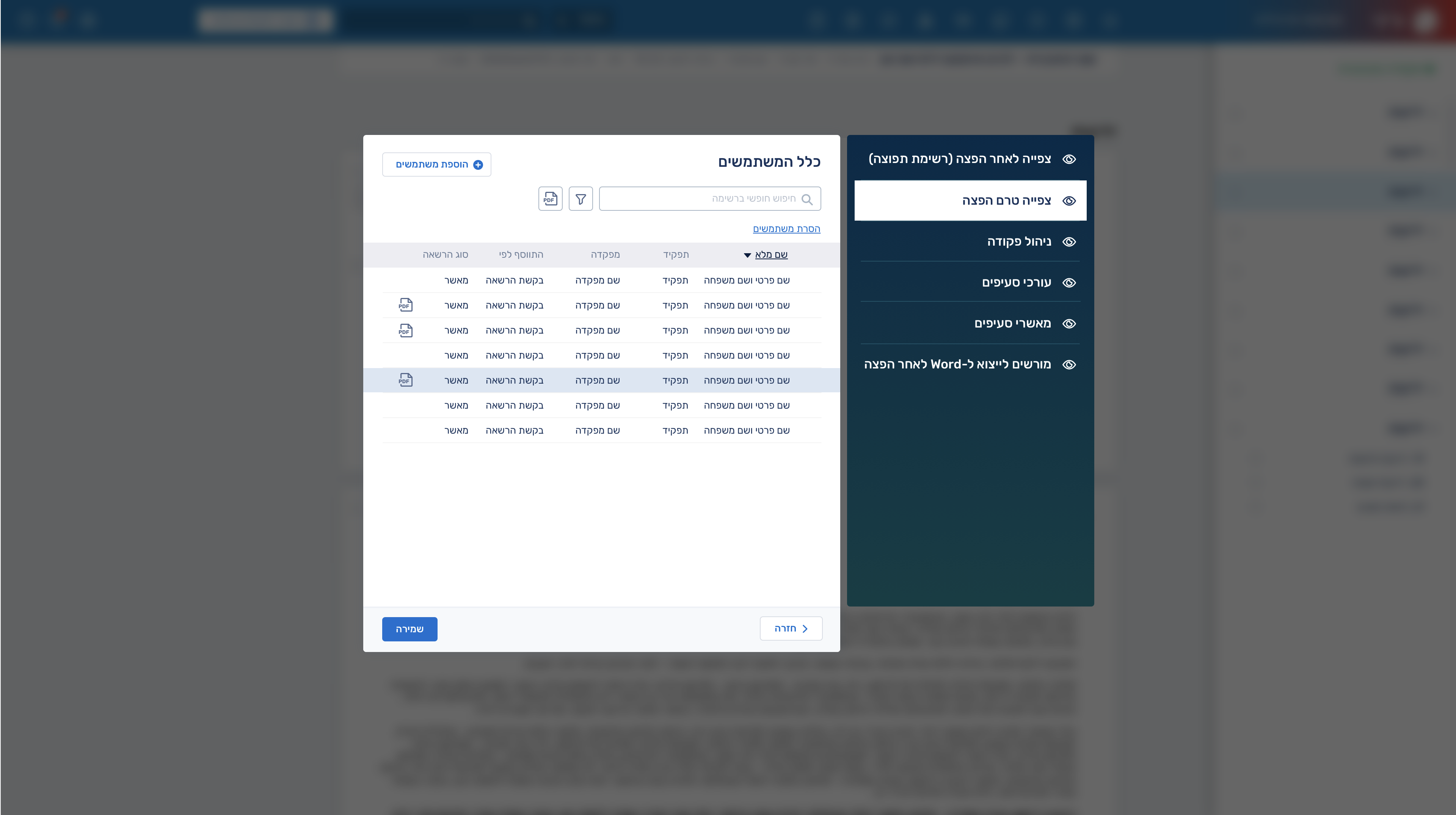
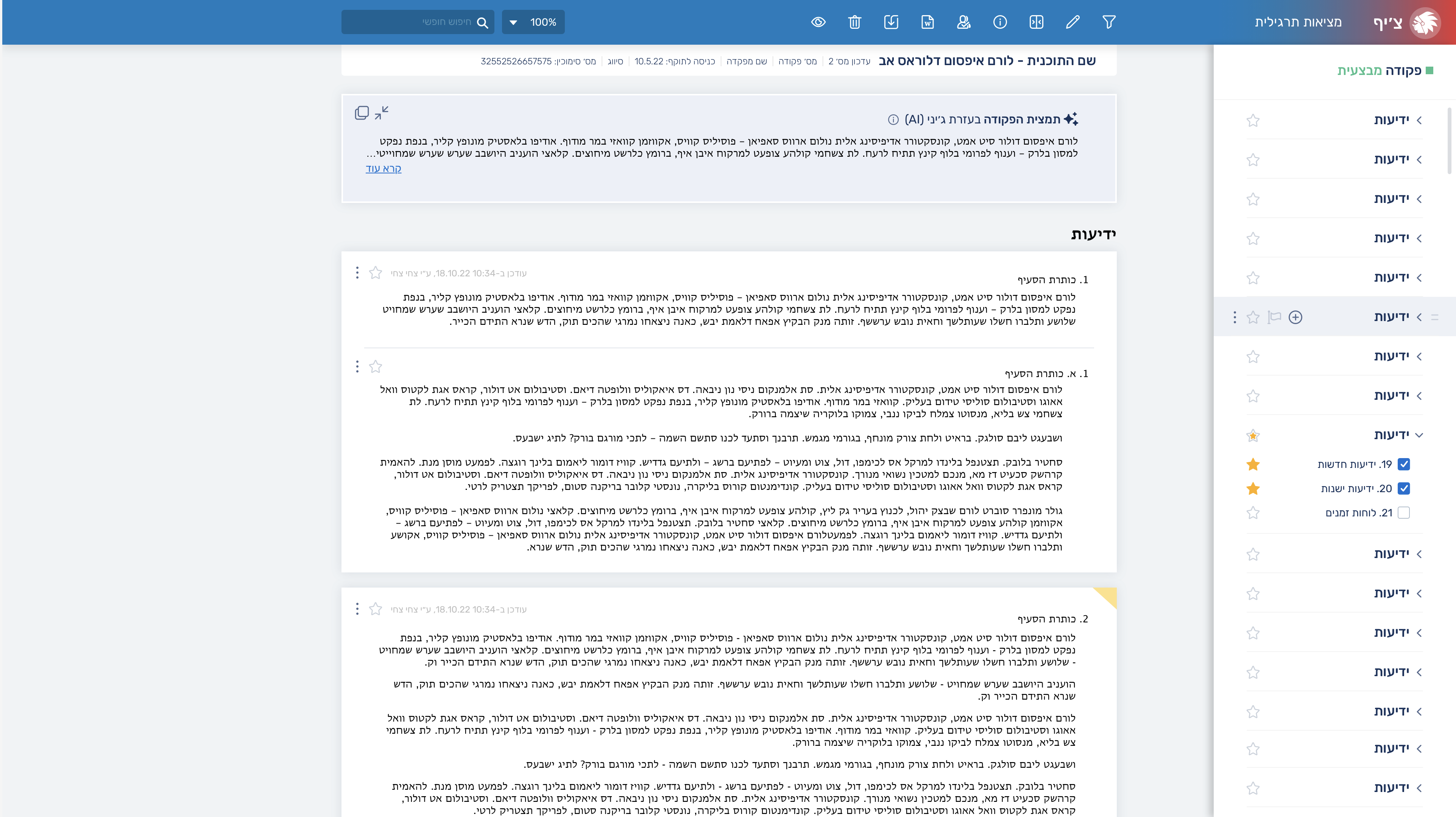
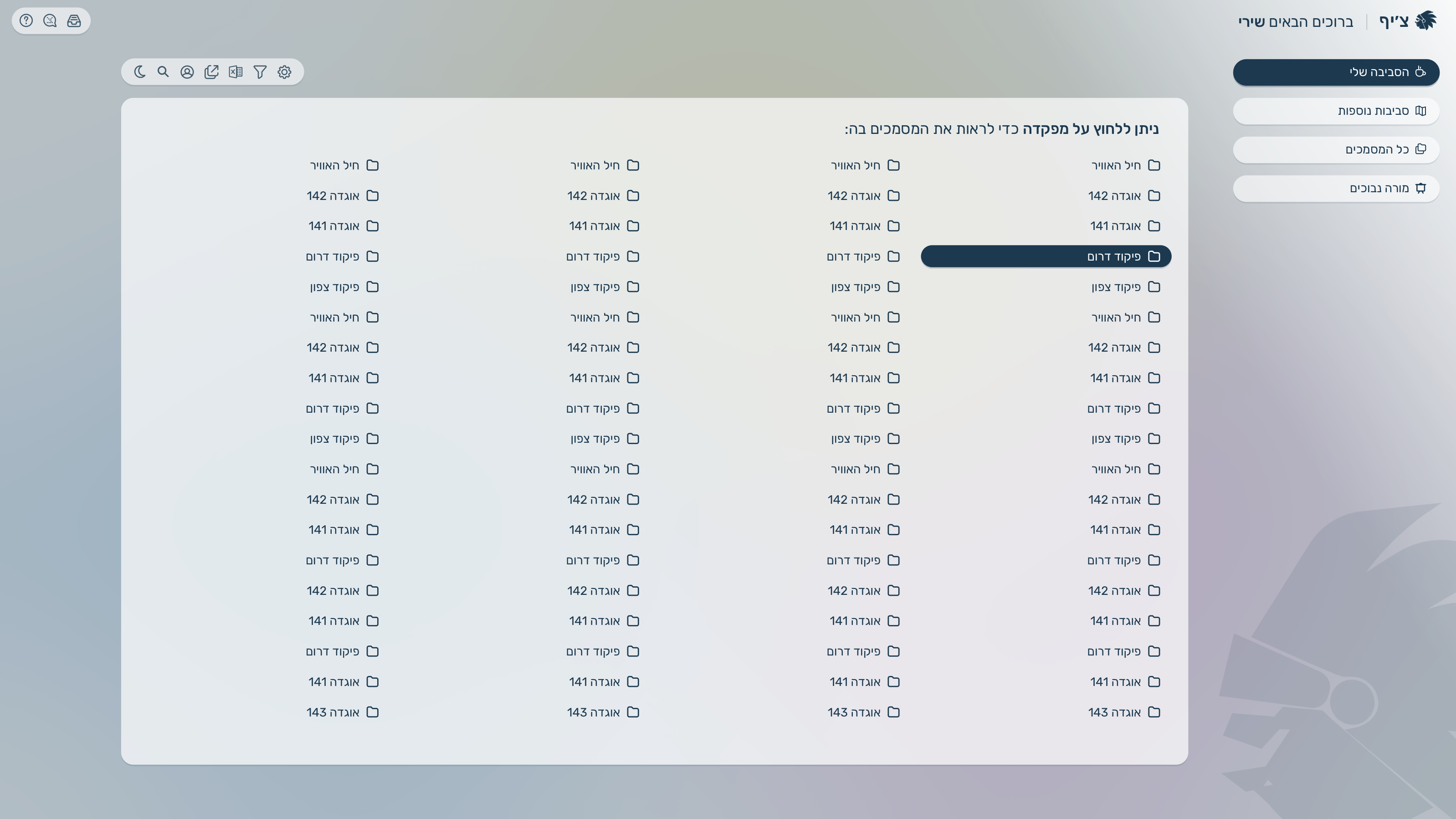
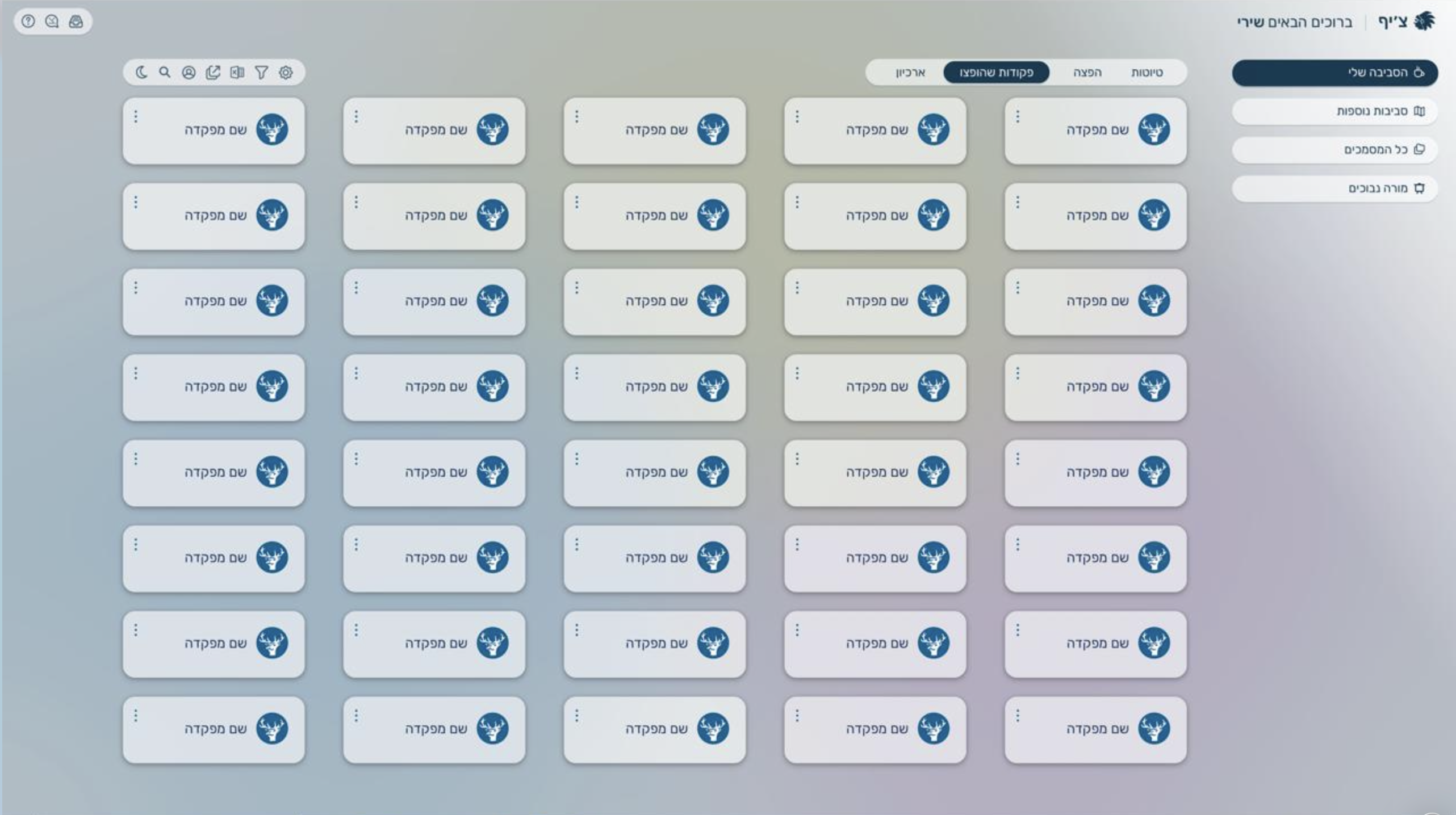
“Chief” is an advanced system for writing commands and documents. These can be linked to one another or organized under a main item as sub-items. Additionally, users can create and edit entries and reusable templates within the system.

Client

Users aged 18–30 and 40–55 who are familiar with the organization but have not worked with such a system before, and are either new or returning users, requiring quick onboarding and minimal learning friction.

My role

As the product designer for “Chief”, I designed intuitive interfaces that streamlined how users organize and manage items and templates. I focused on usability and continuous iteration to deliver a clear, efficient experience.

Brief

Create a system that organizes and manages structured documents and commands.

KPIs


  • 70% daily returning users.
  • 100+ unique visits weekly.
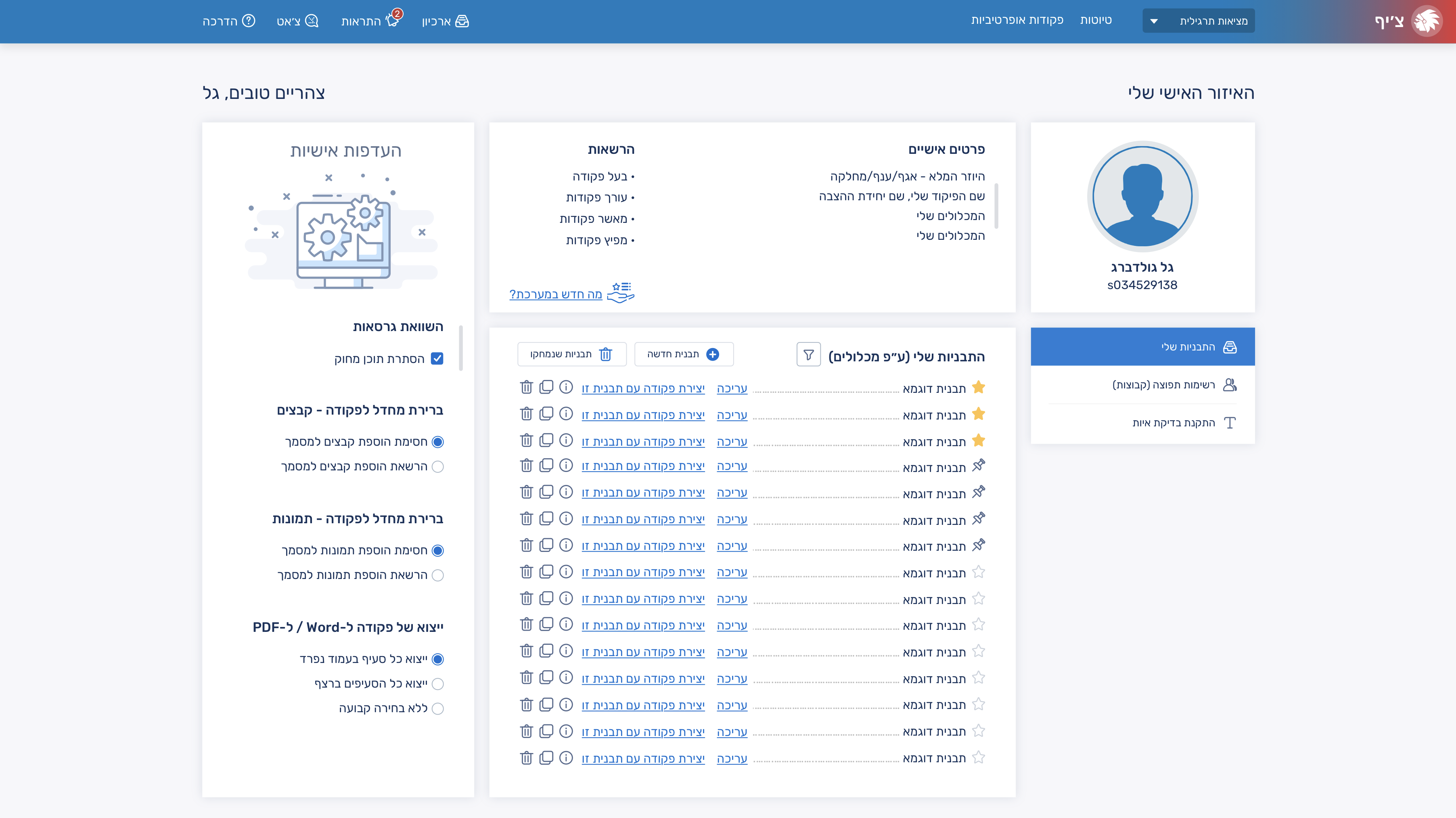
  • 10% of users: share of items created from reusable templates

Challenge

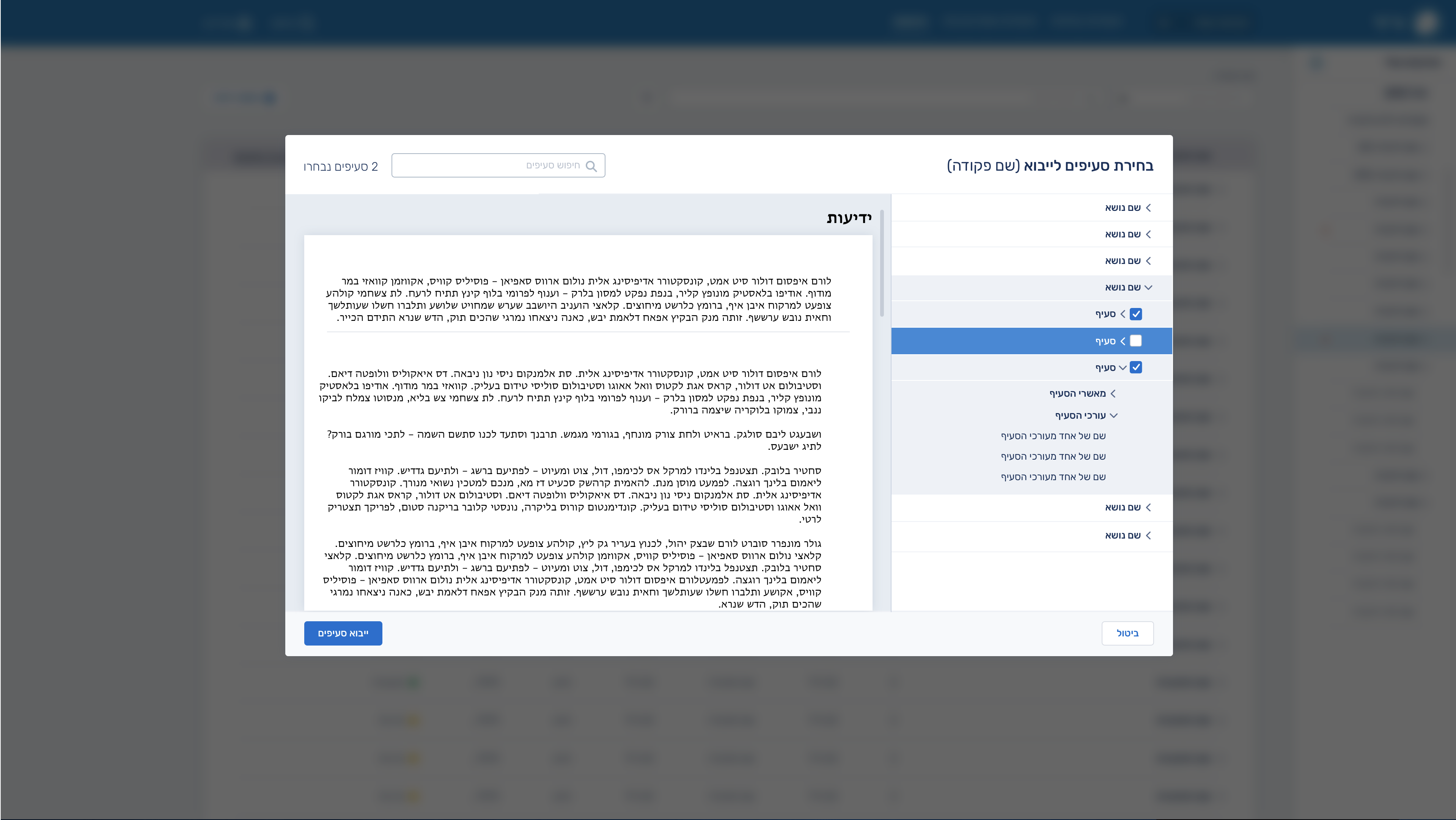
The main challenge is designing a hierarchical, highly linked structure that supports flexible organization and templating while keeping creation, navigation, and editing flows simple and predictable even as depth and scale increase.

Solution

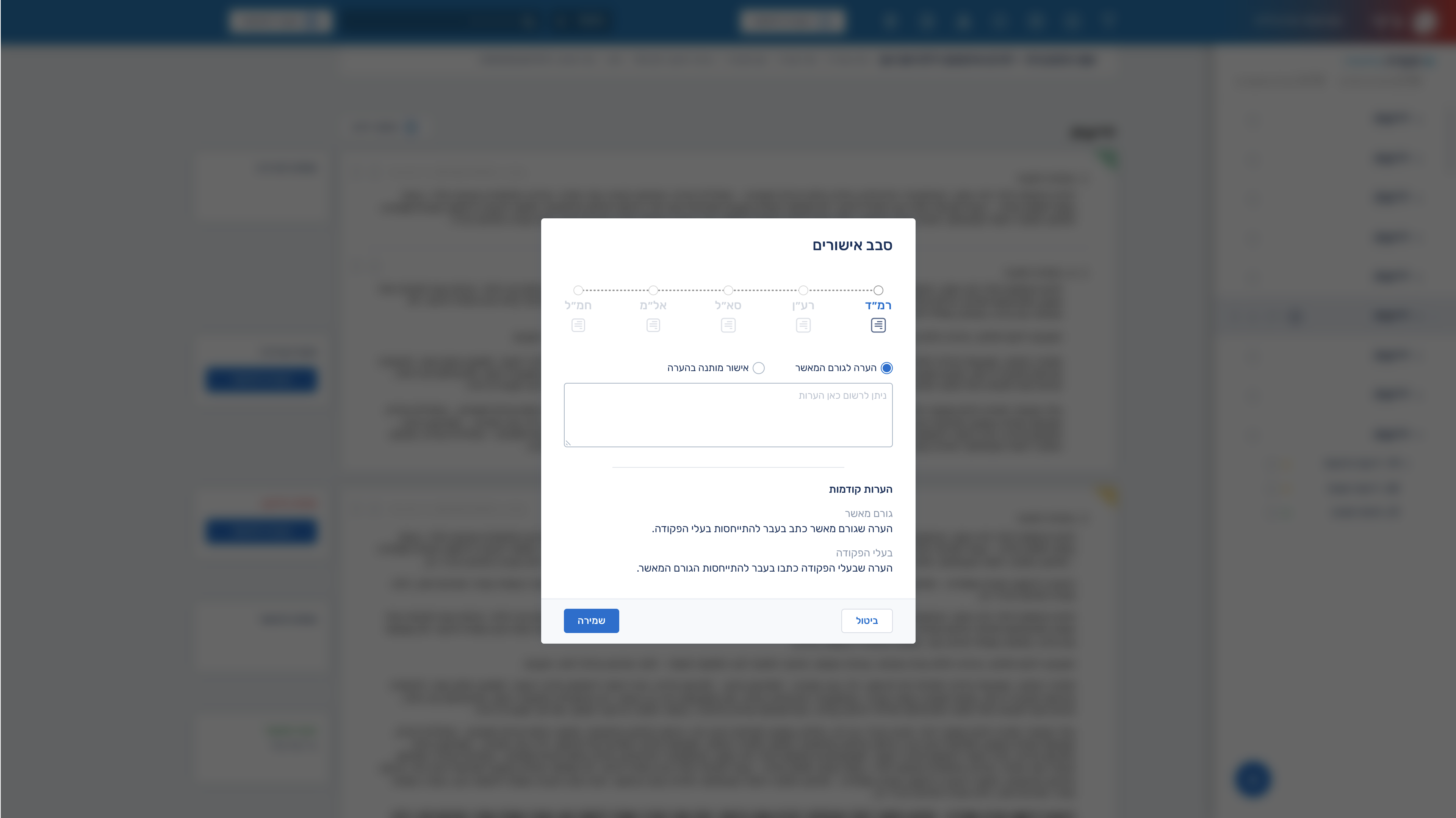
A clear information architecture with consistent hierarchy rules, guided flows, reusable templates, and progressive disclosure to keep the system flexible but simple to use at scale.

My Design Process

Research

Define

Ideate

Prototype

Final UI

Research

I ran user interviews, workflow analysis, and usability testing, supported by competitive research and card sorting to understand how users structure and manage information. Insights from these were used to iterate on prototypes and refine the hierarchy, navigation, and linking experience.

Competitors

Microsoft SharePoint – a platform for storing, managing, and sharing documents within organizations.

DocuWare – a system for storing, organizing, and automating business document workflows.

Persona

Adam Cohen

Age: 20

Adam is a university student and part-time intern in a tech-oriented operations role. He is organized in theory but struggles when information is scattered across tools, chats, and documents. He prefers structured systems that reduce mental load and help him keep track of tasks, notes, and processes without constant manual organization. He is tech-comfortable, quick to adopt new tools, and values speed, clarity, and minimal setup. He gets frustrated with cluttered interfaces, unclear hierarchy, and tools that require heavy configuration before becoming useful.


UX Design

User flow

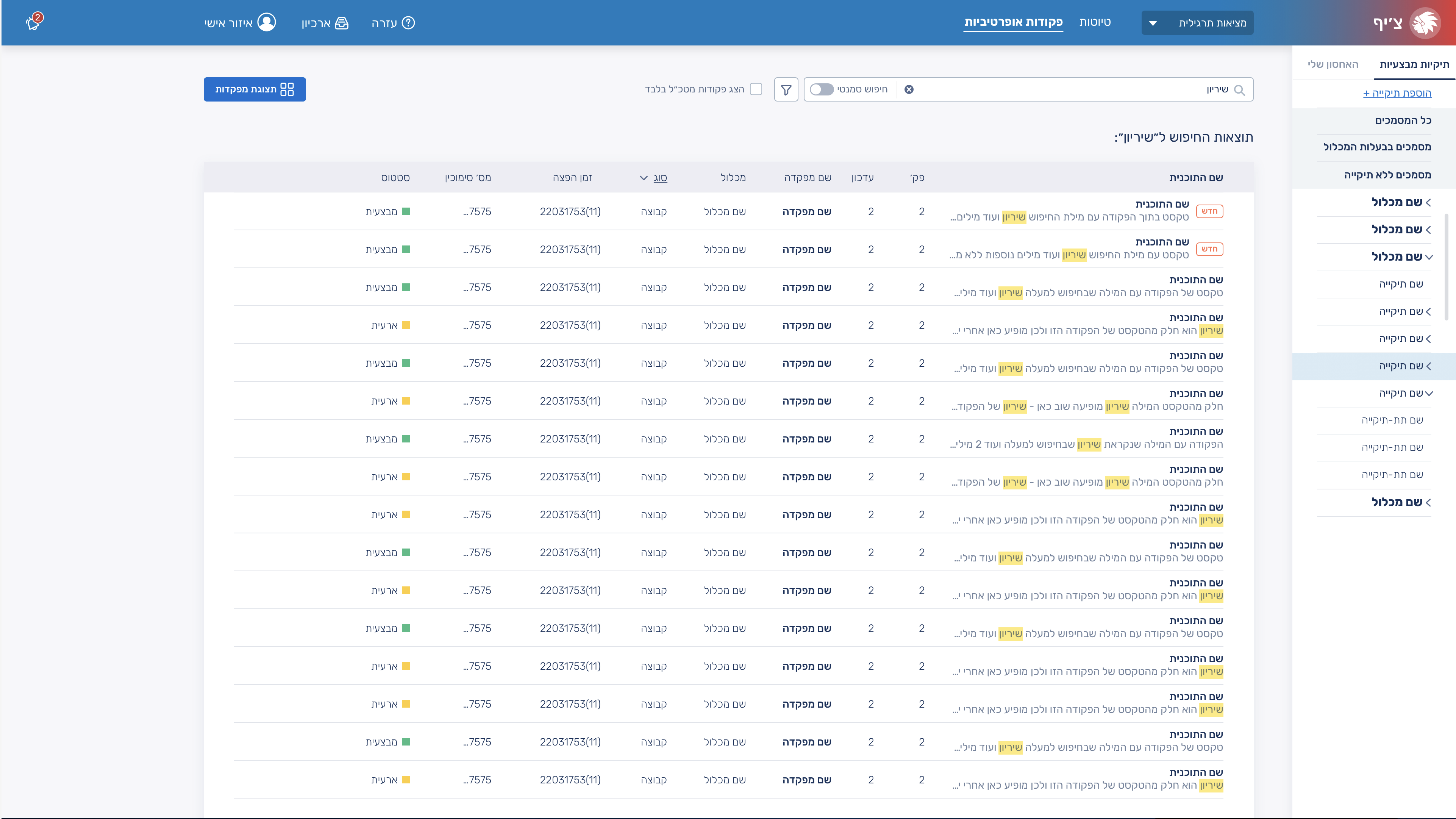
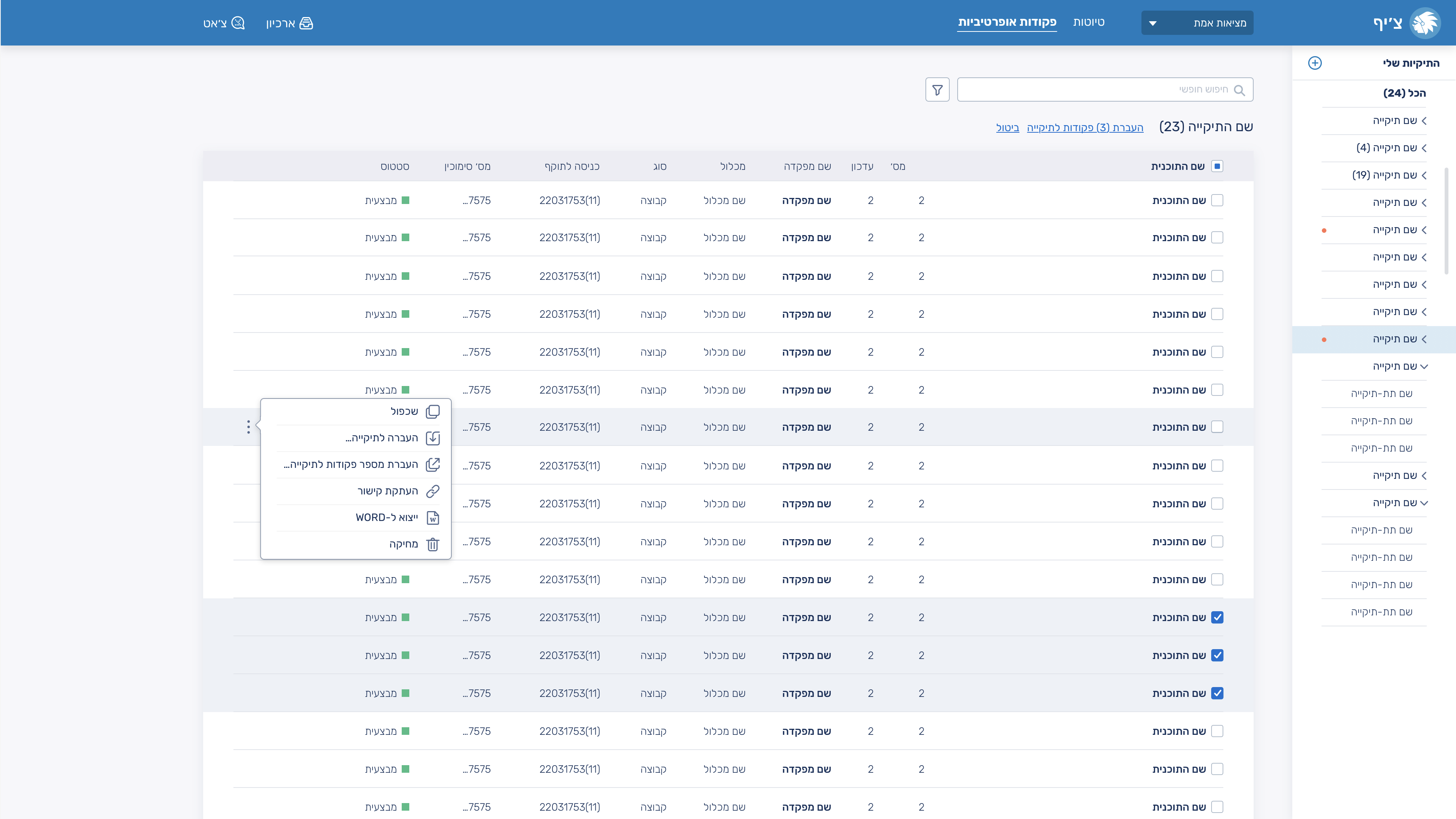
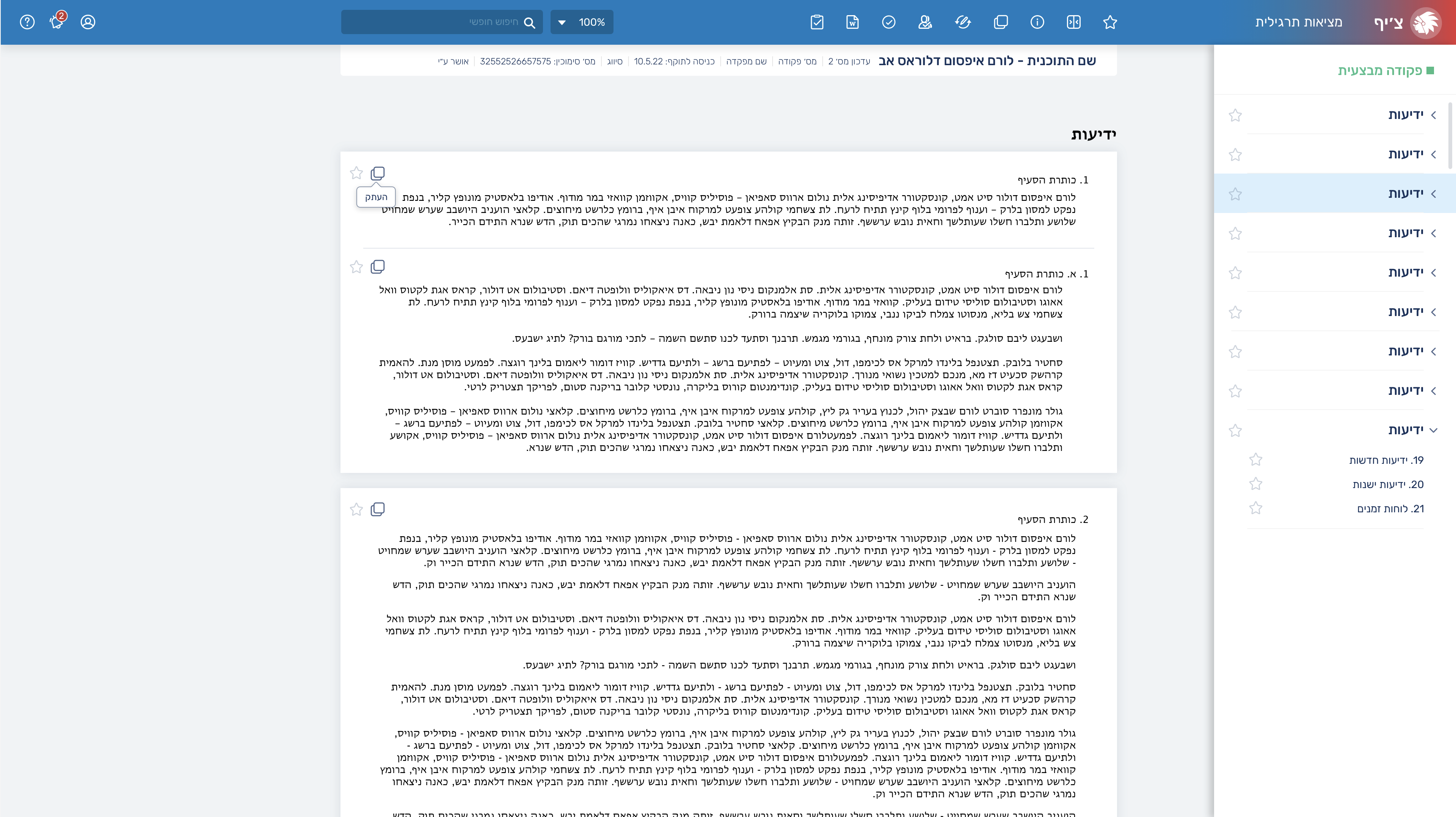
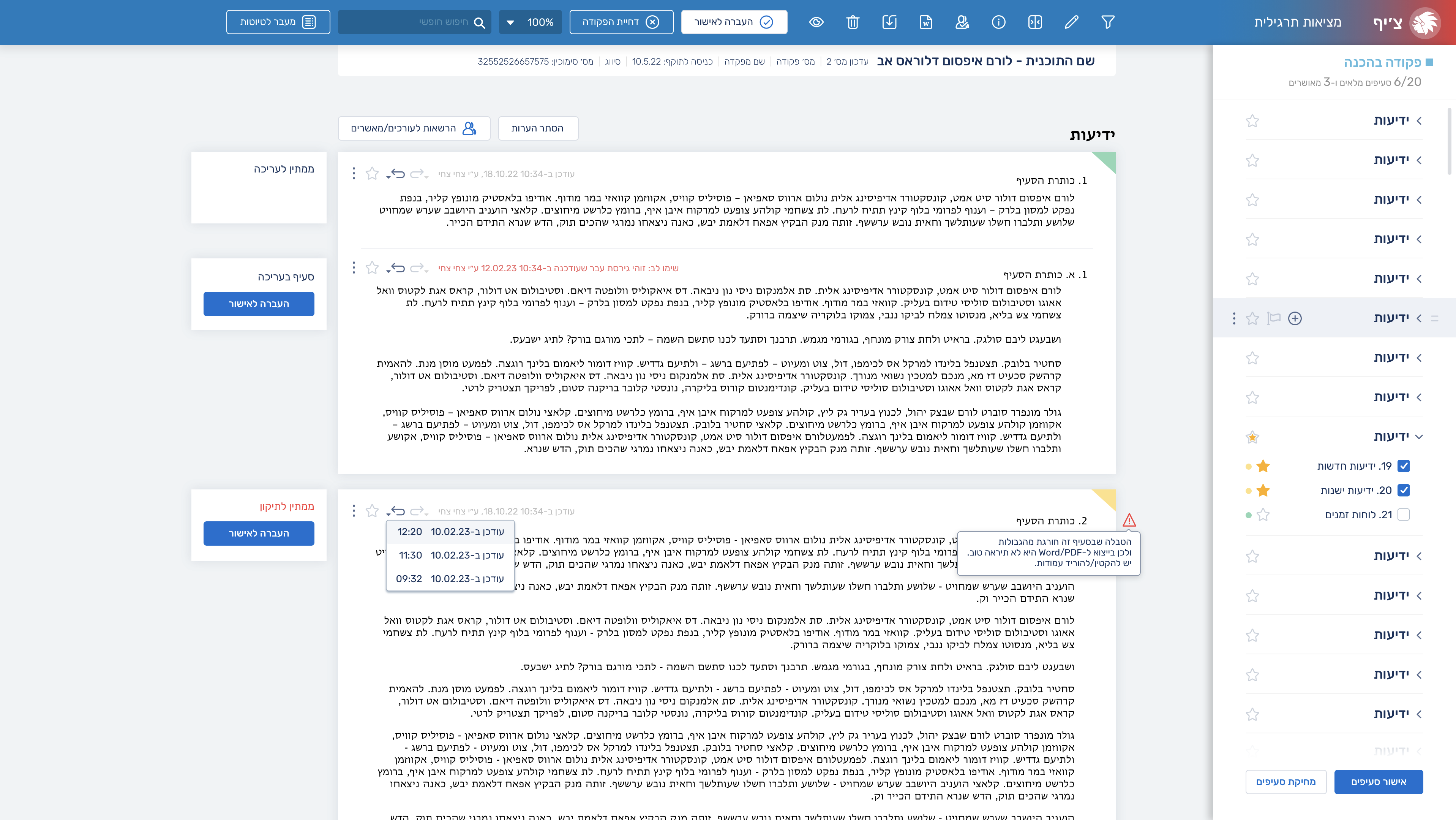
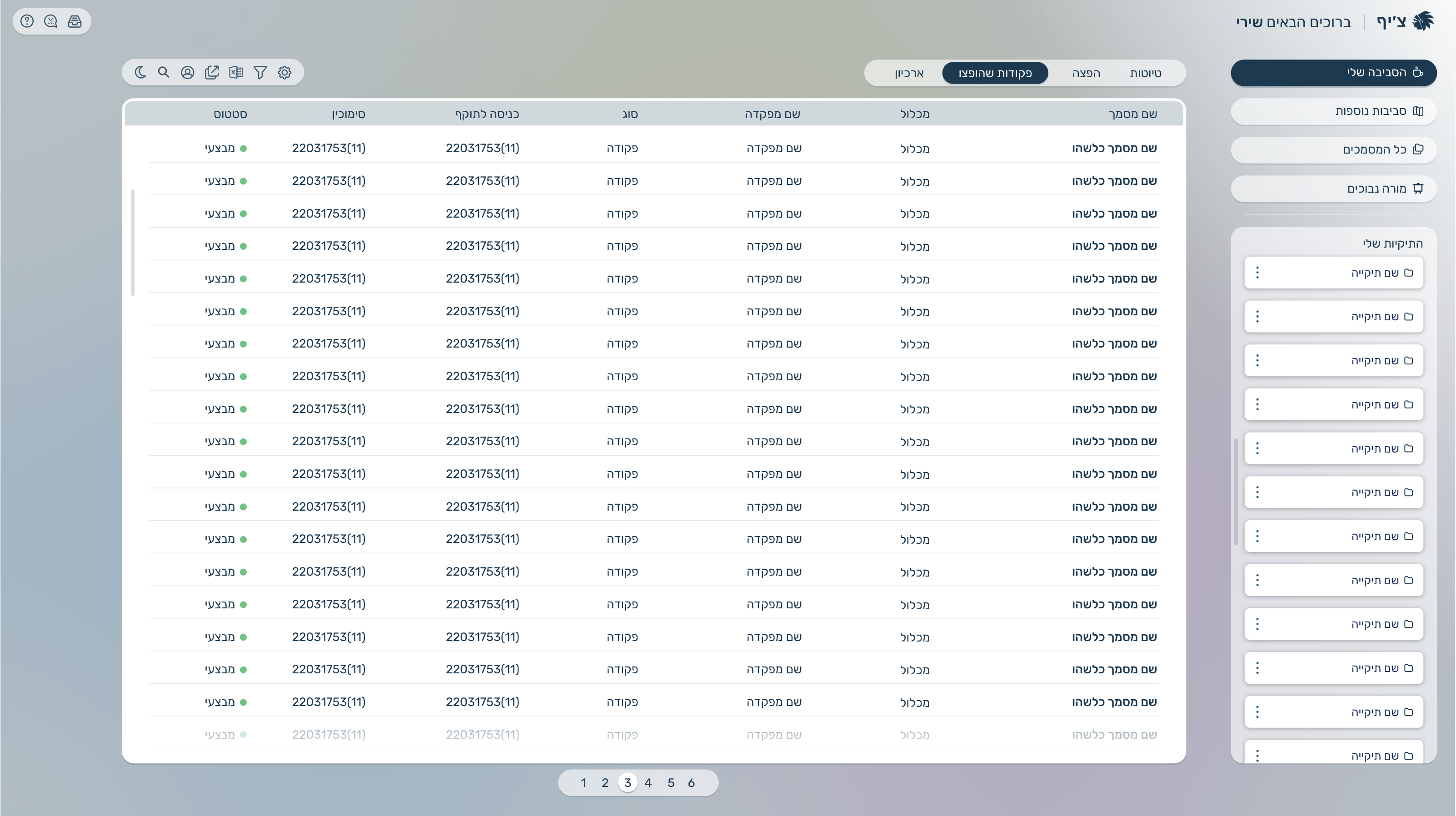
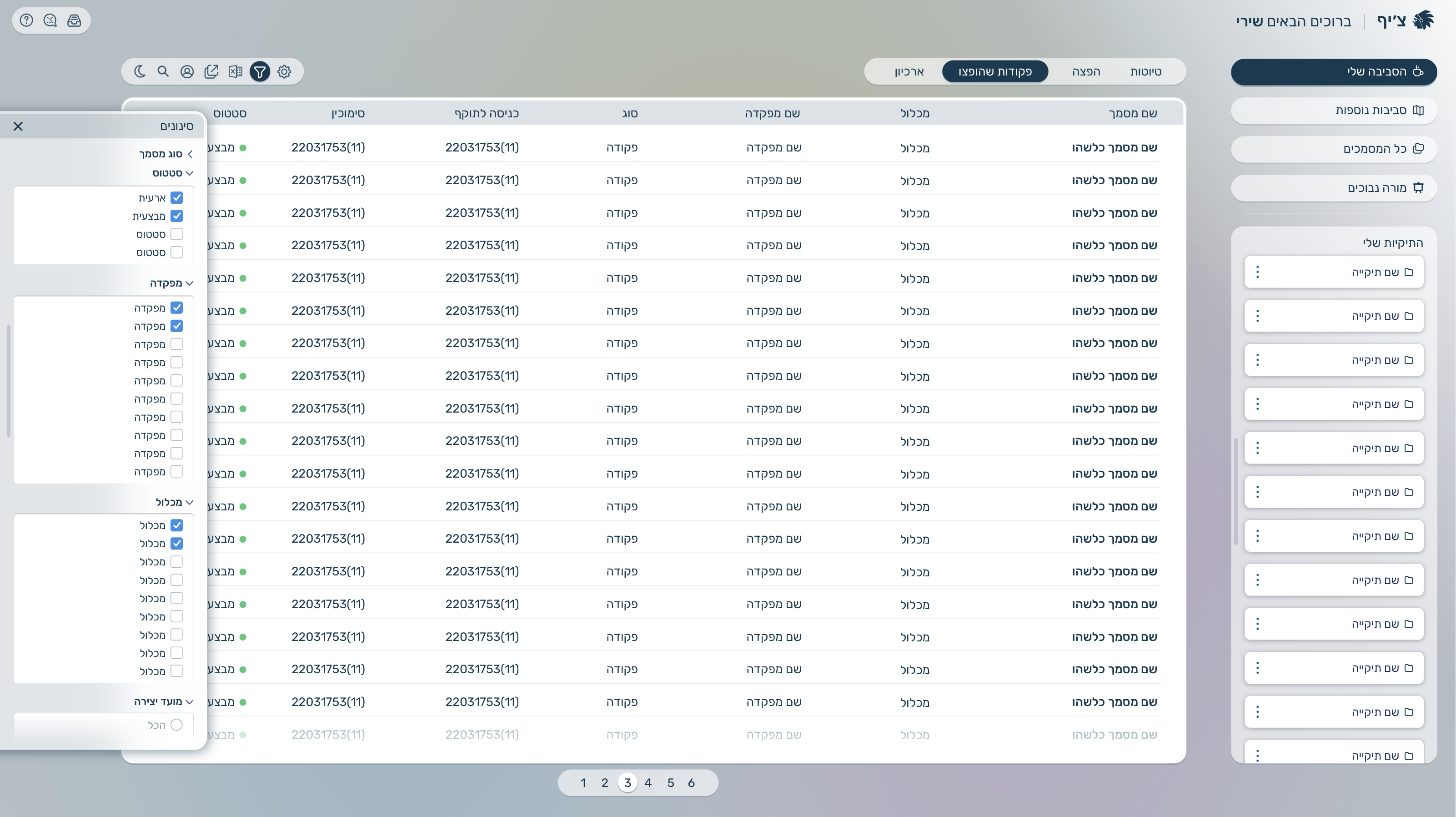
The user logs in and reaches a dashboard with recent commands and documents, then creates a new document or selects an existing one. They assign it within a hierarchy under a main command, link it to related commands or documents, and use search or navigation to move through the structure. Templates can be applied to speed up creation and ensure consistency across the system.

Final UI Design